Actions Microsoft Outlook : mails, pièces jointes, calendrier.
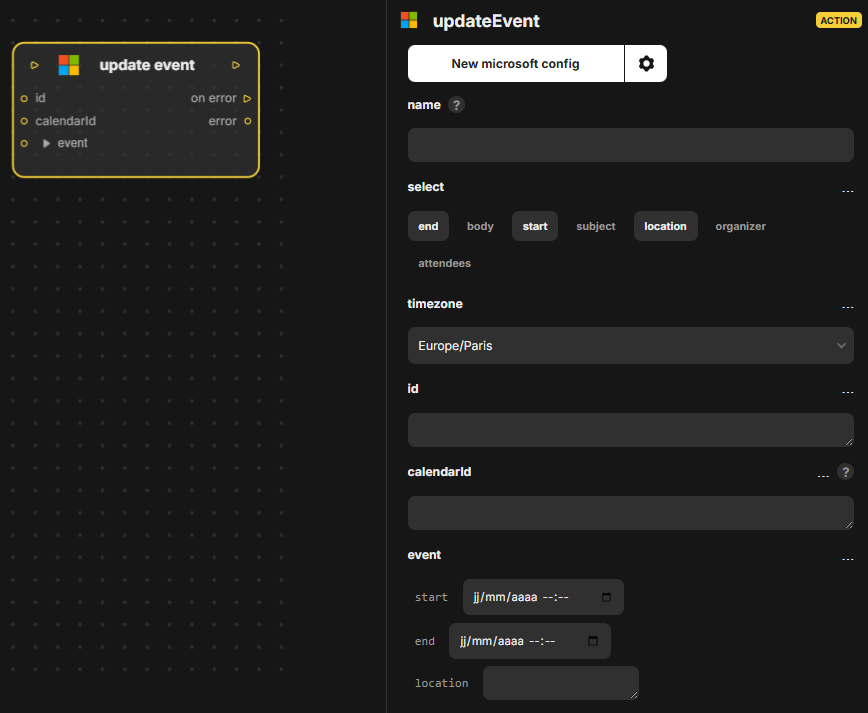
Action Update event pour Microsoft Outlook : met à jour un événement existant du calendrier. Entrées : in, select, timezone, id, calendarId, event. Sorties : out, on error, error. L'événement visé se désigne par son id et son calendarId.
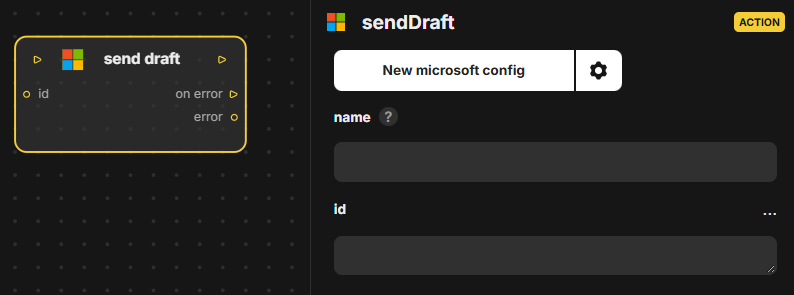
Action Send draft pour Microsoft Outlook : envoie un brouillon de message déjà créé, désigné par son identifiant. Entrées : in, id. Sorties : out, on error, error. La fiche d'architecture ne donne pas d'autre détail que les entrées et sorties du bloc.
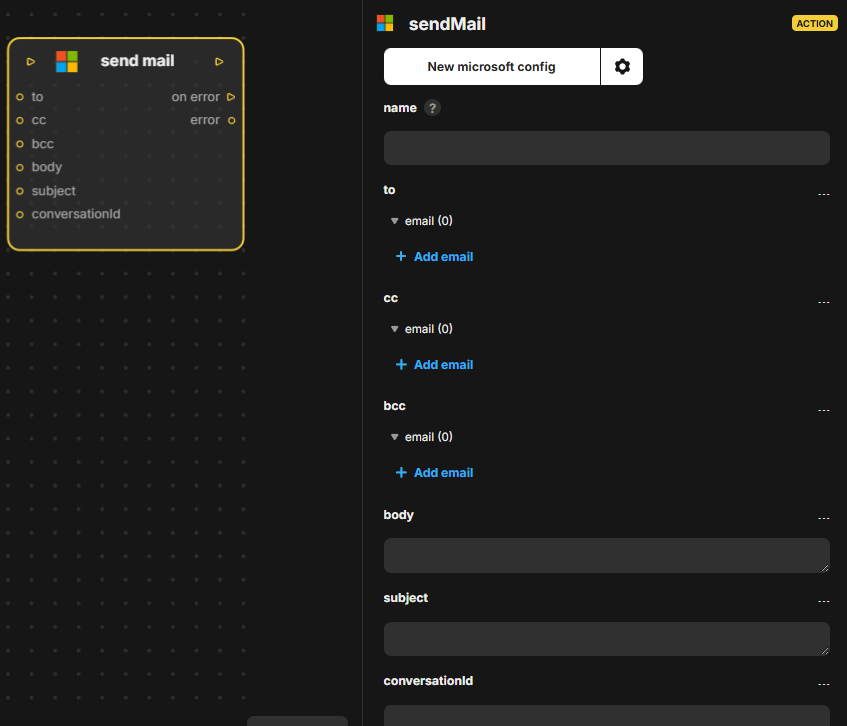
Action Send mail pour Microsoft Outlook : envoie un e-mail avec destinataires, copies, corps et sujet. Entrées : in, to, cc, bcc, body, subject, conversationId. Sorties : out, on error, error.
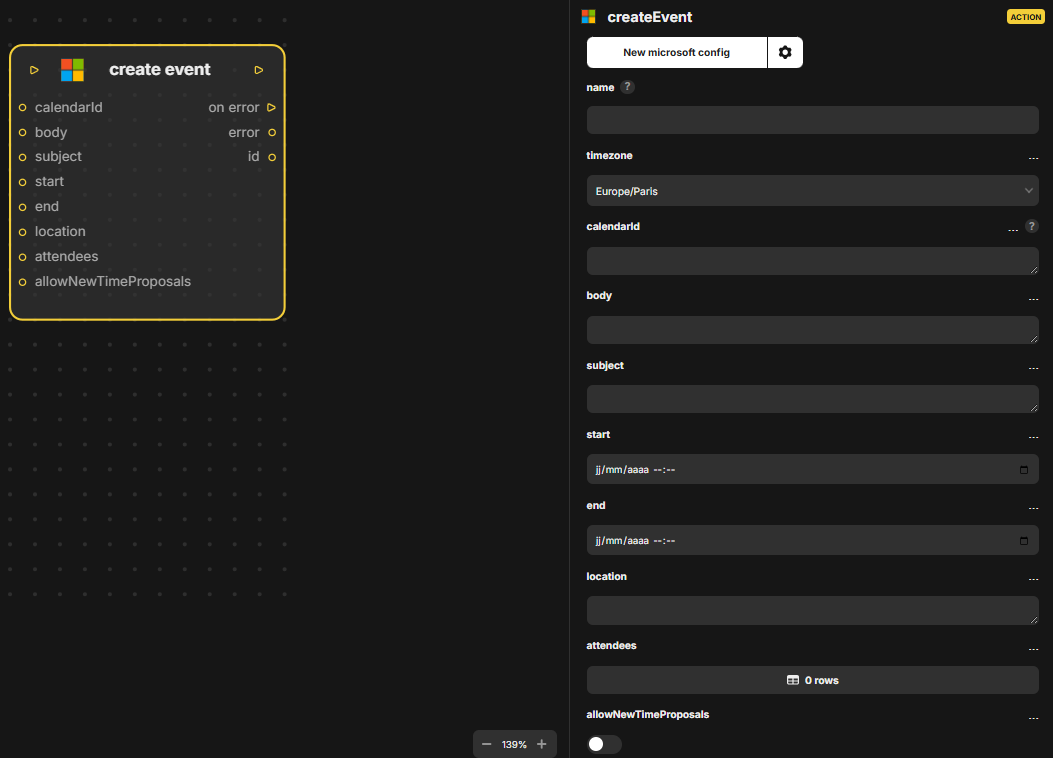
Action Create event pour Microsoft Outlook : crée un événement de calendrier (sujet, début, fin, lieu, participants). Entrées : in, timezone, calendarId, body, subject, start, end, location, attendees, allowNewTimeProposals. Sorties : out, on error, error, id.
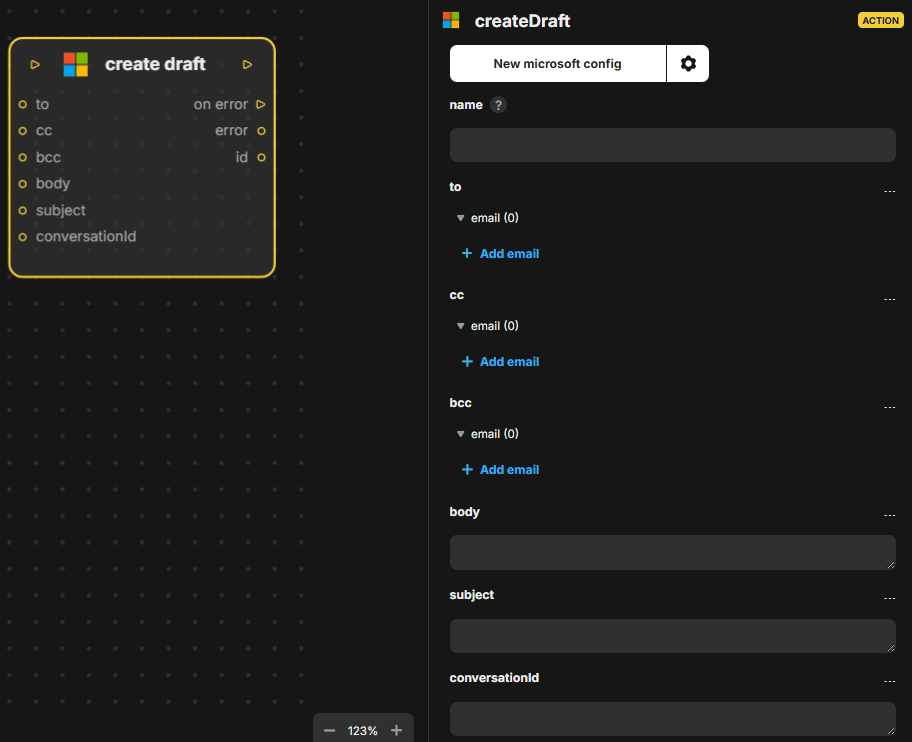
Action Create draft pour Microsoft Outlook : crée un brouillon de message (destinataires, copies, corps, sujet). Entrées : in, to, cc, bcc, body, subject, conversationId. Sorties : out, on error, error, id.
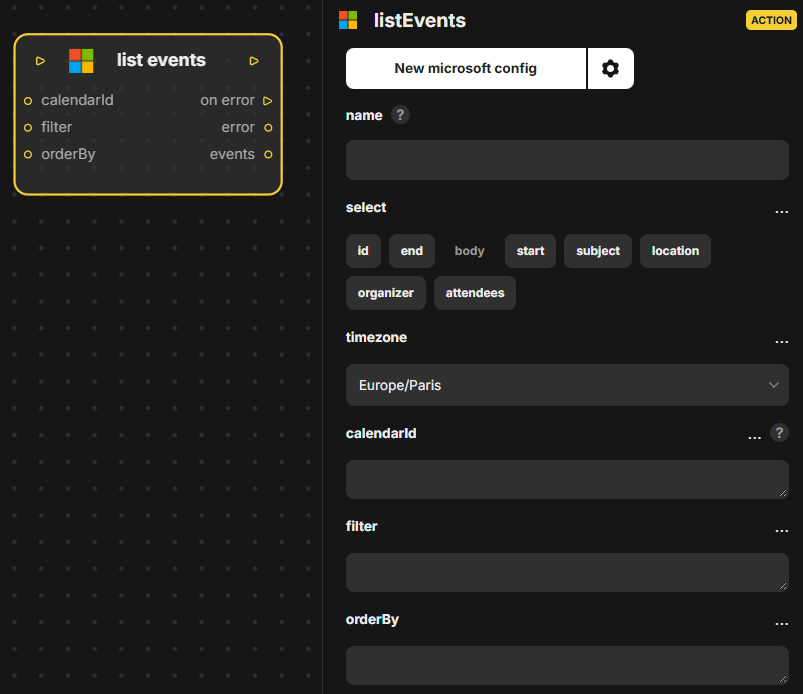
Action List events pour Microsoft Outlook : liste les événements d'un calendrier avec sélection, fuseau, filtre et tri. Entrées : in, select, timezone, calendarId, filter, orderBy. Sorties : out, on error, error, events.
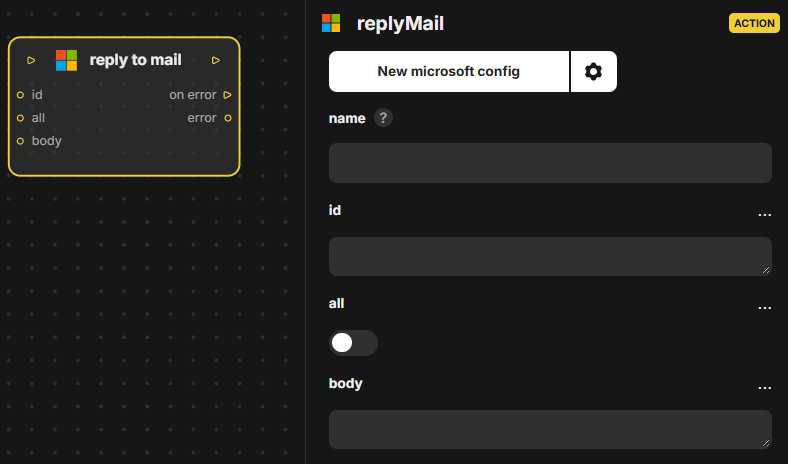
Action Reply to mail pour Microsoft Outlook : répond à un e-mail identifié, avec une option pour répondre à tous. Entrées : in, id, all, body. Sorties : out, on error, error. Le champ body contient le texte de la réponse envoyée.
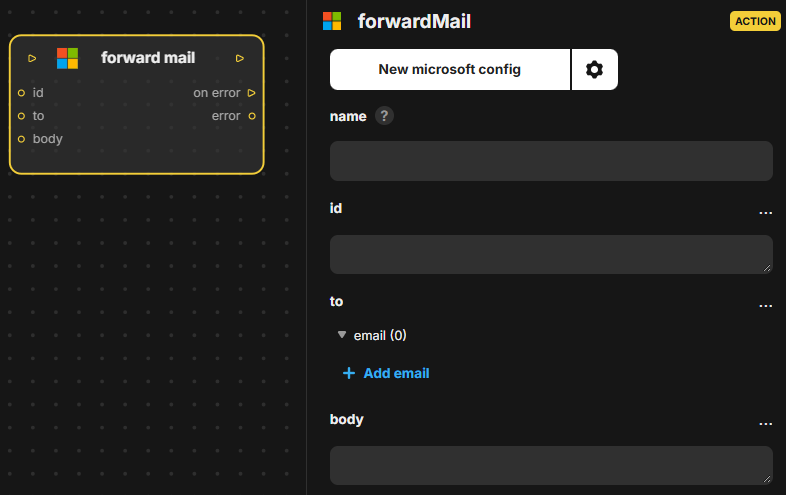
Action Microsoft Outlook qui transfère un e-mail existant à un destinataire. Entrées : in, id, to, body. Sorties : out, on error, error (en cas d'échec).
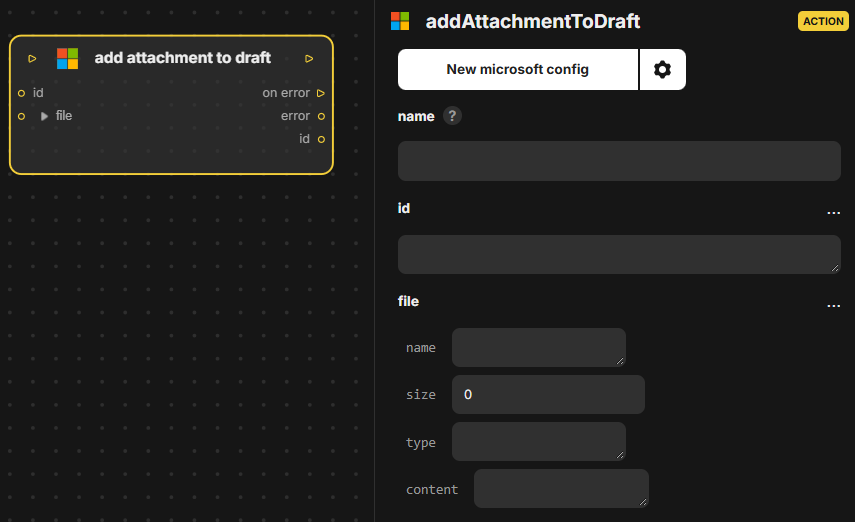
Action Microsoft Outlook qui ajoute une pièce jointe à un brouillon d'e-mail existant. Entrées : in, id, file. Sorties : out, on error, error, id.
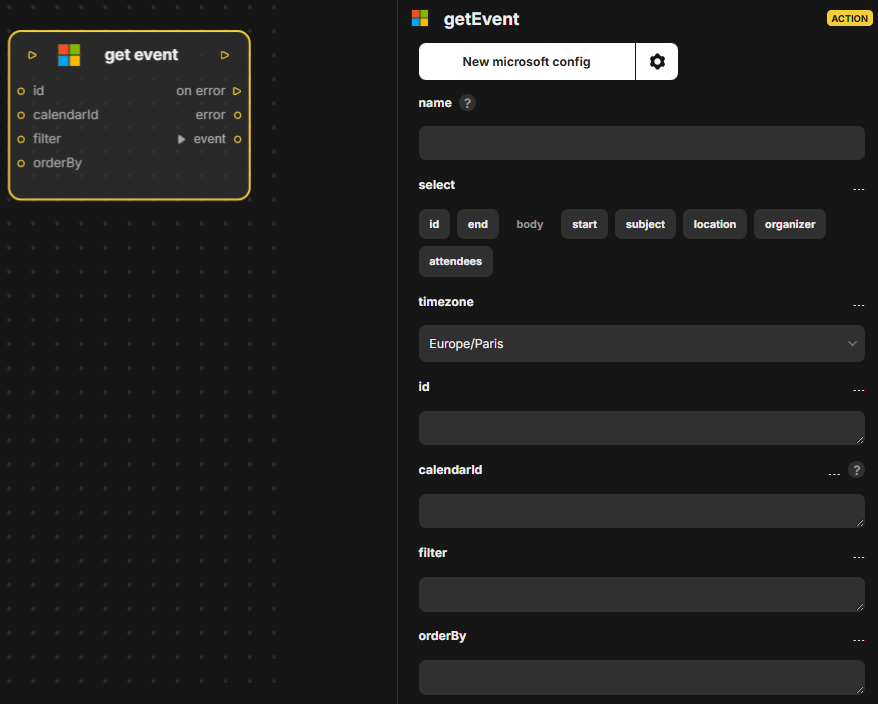
Action Microsoft Outlook qui récupère un événement de calendrier. Entrées : in, select, timezone, id, calendarId, filter, orderBy. Sorties : out, on error, error, event.
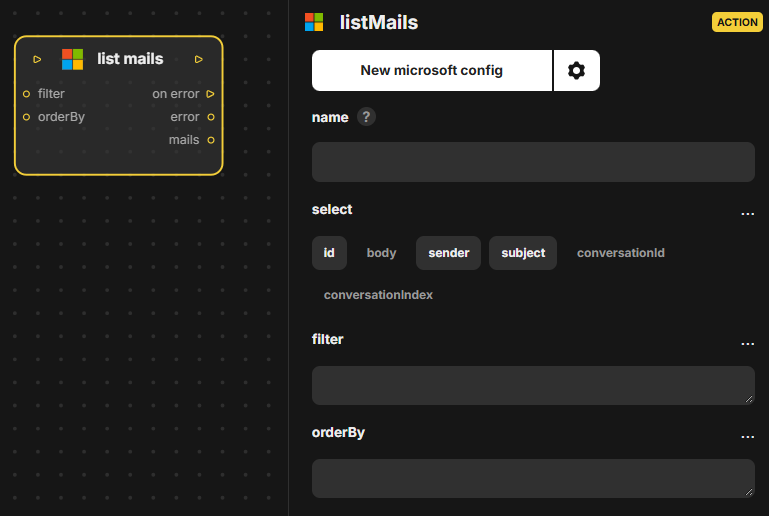
Action Microsoft Outlook qui liste les e-mails d'une boîte. Entrées : in, select, filter, orderBy. Sorties : out, on error, error, mails.