Odoo

12 articles

Odoo actions.

Create opportunity (Odoo)

Creates a new opportunity or sales lead in your connected Odoo instance, handled asynchronously by the voltask-orchestrator. Inputs: in, lead. Outputs: out, on error, error, id (the Odoo identifier). Example: store a contact form sent via Webhook.
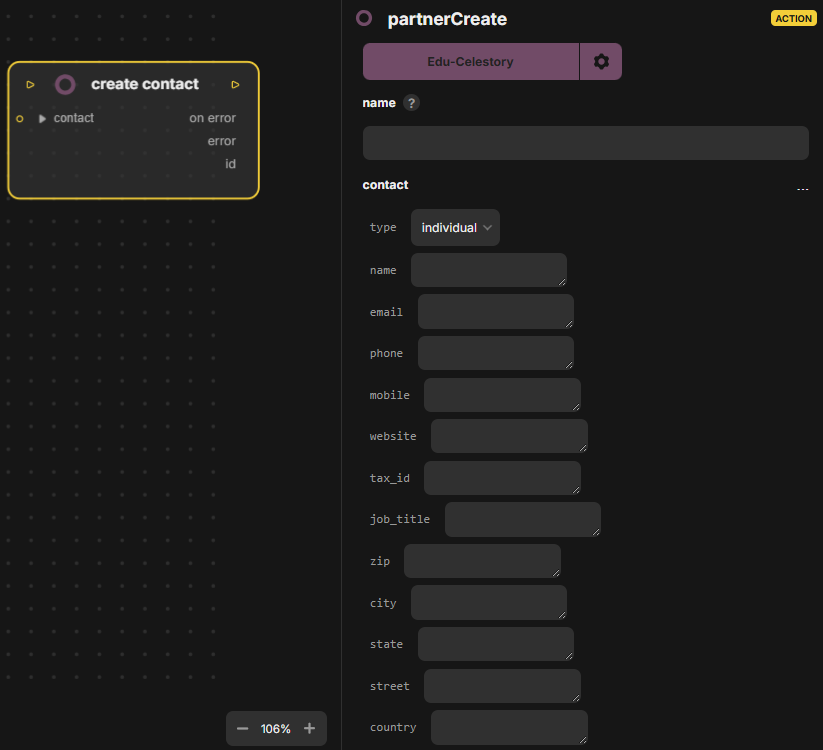
🟡Create contact (Odoo)

Creates a contact in Odoo. Inputs: in, contact (the contact data to create). Outputs: out, on error, error, id (the identifier of the new contact).

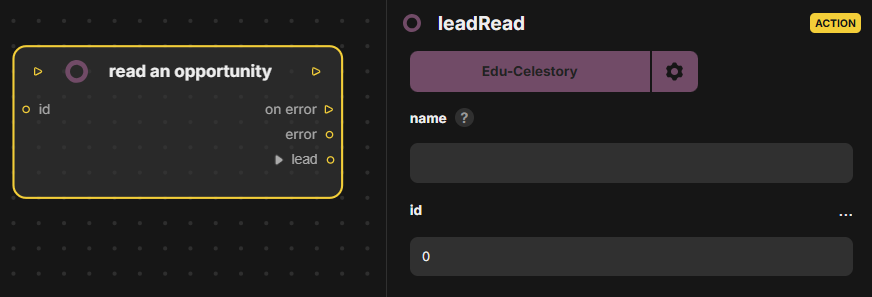
🟡Read an opportunity (Odoo)

Reads an opportunity by its id from the Odoo CRM app. Inputs: in, id. Outputs: out, on error, error, lead (the opportunity found).

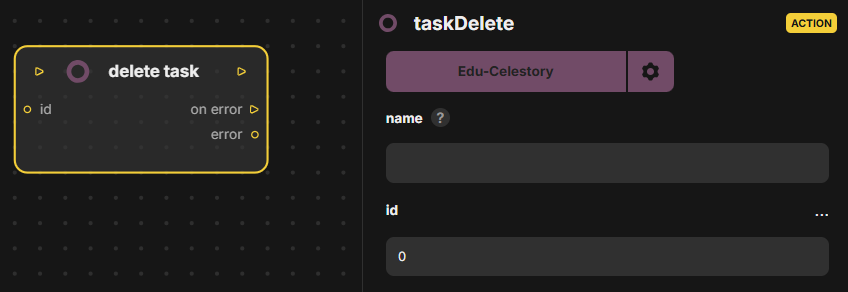
🟡Delete task (Odoo)

Deletes a task by its id from the Odoo To-do app, in the Odoo integration. Inputs: in, id (the task to delete). Outputs: out, on error, error.

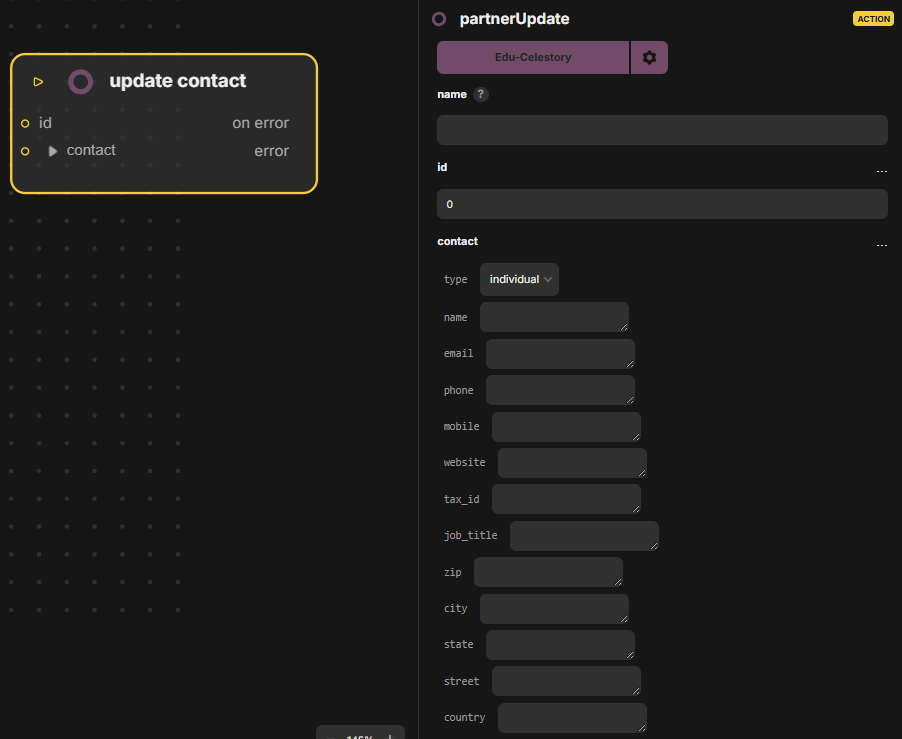
🟡Update contact (Odoo)

Updates an Odoo contact identified by its id. Inputs: in, id, contact (the new contact data). Outputs: out, on error, error.

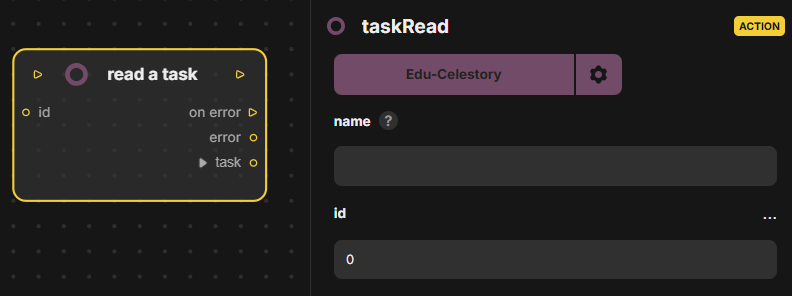
🟡Read a task (Odoo)

Reads a task by its id from the Odoo To-do app, in the Odoo integration. Inputs: in, id (the task to read). Outputs: out, on error, error, task (the task found).

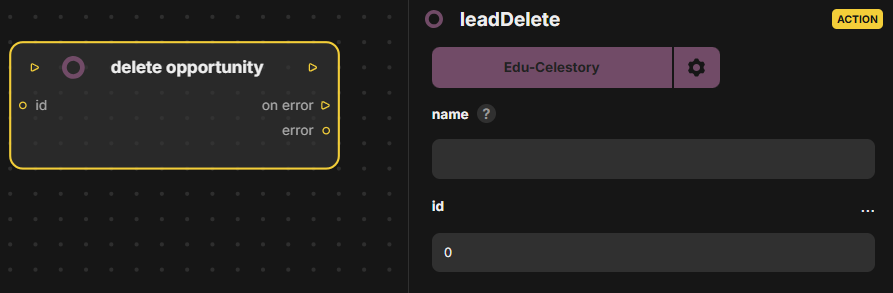
🟡Delete opportunity (Odoo)

Deletes an opportunity by its id from the Odoo CRM app, in the Odoo integration. Inputs: in, id (the opportunity to delete). Outputs: out, on error, error.

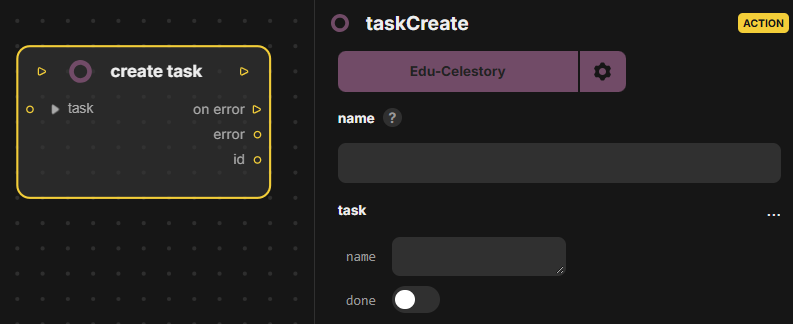
🟡Create task (Odoo)

Creates a task in the Odoo To-do app. Inputs: in, task (the task data). Outputs: out, on error, error, id (the identifier of the new task).

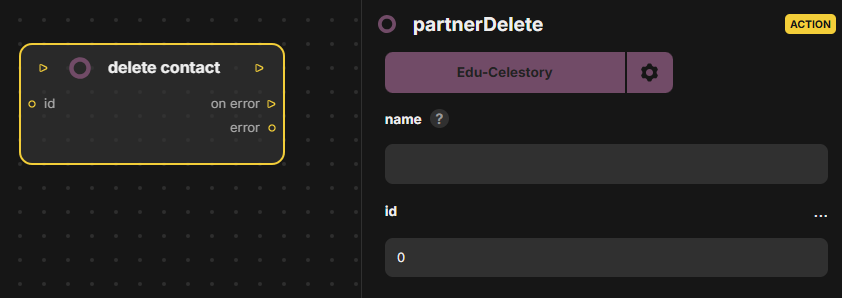
🟡Delete contact (Odoo)

Delete contact (Odoo) deletes an Odoo contact identified by its id. Inputs: in, id. Outputs: out, on error, error. It is an action block of the Odoo connector, and the on error output lets the scenario handle a failed deletion.

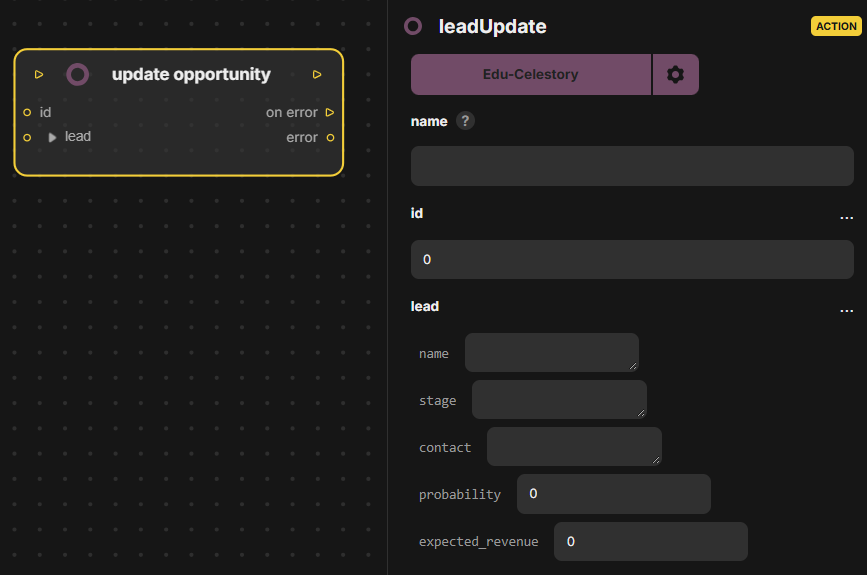
🟡Update opportunity (Odoo)

Update opportunity (Odoo) updates an opportunity by id in the Odoo CRM app. Inputs: in, id, lead. Outputs: out, on error, error. The lead input carries the new values to apply to the identified opportunity.

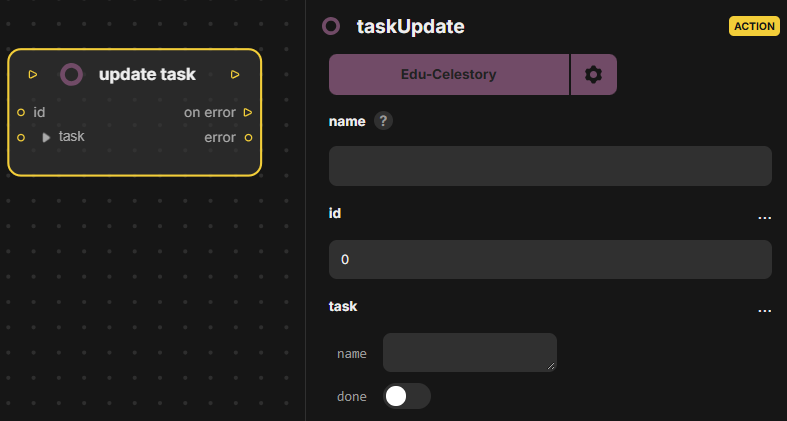
🟡Update task (Odoo)

Update task (Odoo) updates a task by id in the Odoo To-do app. Inputs: in, id, task. Outputs: out, on error, error. The task input holds the values to change on the task identified by id.

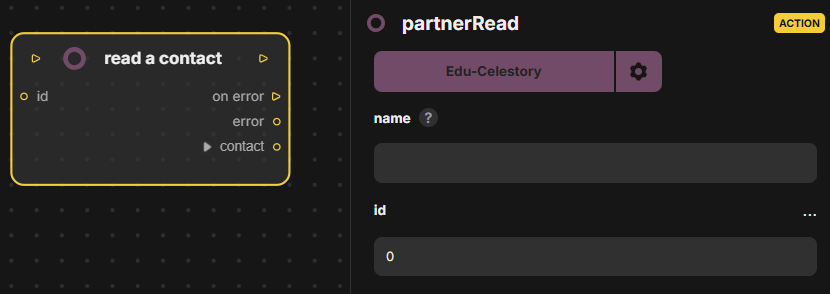
🟡Read a contact (Odoo)

Read a contact (Odoo) reads an Odoo contact by id. Inputs: in, id. Outputs: out, on error, error, contact (the contact data returned to the following blocks). It belongs to the Odoo connector.