Microsoft Outlook actions: mail, attachments, calendar.
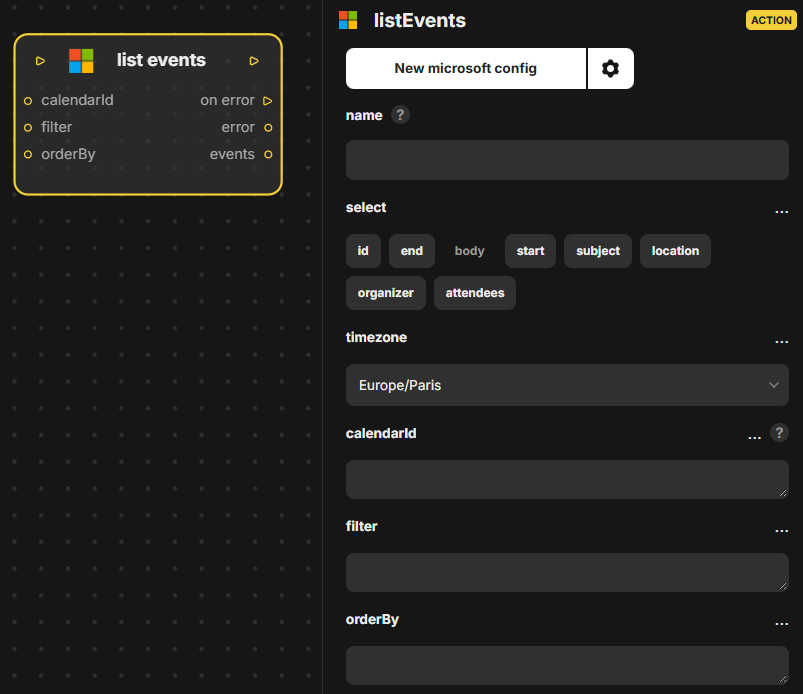
Lists calendar events from Microsoft Outlook. Inputs: in, select, timezone, calendarId, filter, orderBy. Outputs: out, on error, error, events (the list of events found).
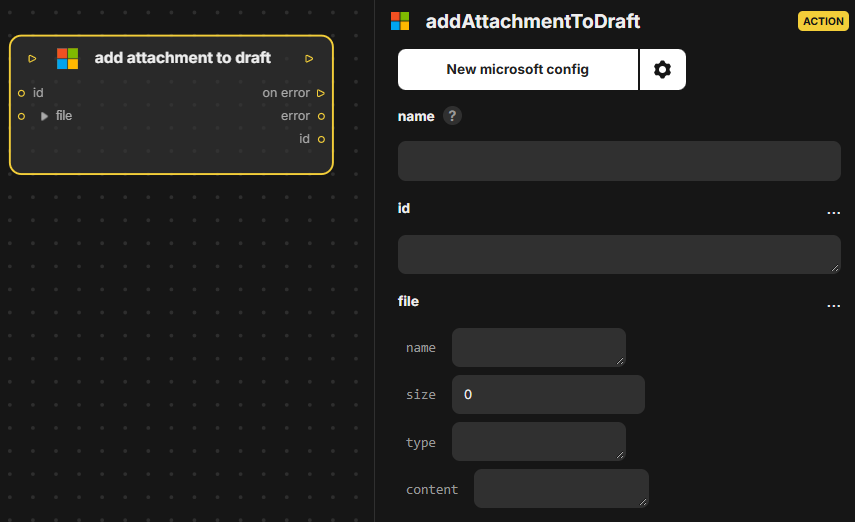
Adds an attachment to an existing draft in Microsoft Outlook. Inputs: in, id (the draft), file (the attachment). Outputs: out, on error, error, id.
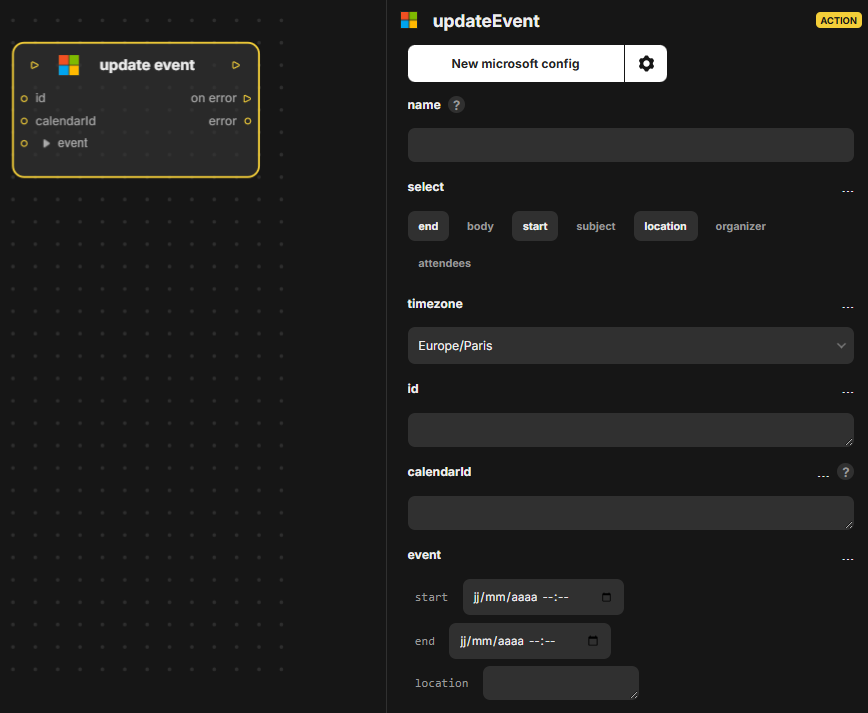
Updates an existing calendar event in Microsoft Outlook. Inputs: in, select, timezone, id, calendarId, event. Outputs: out, on error, error.
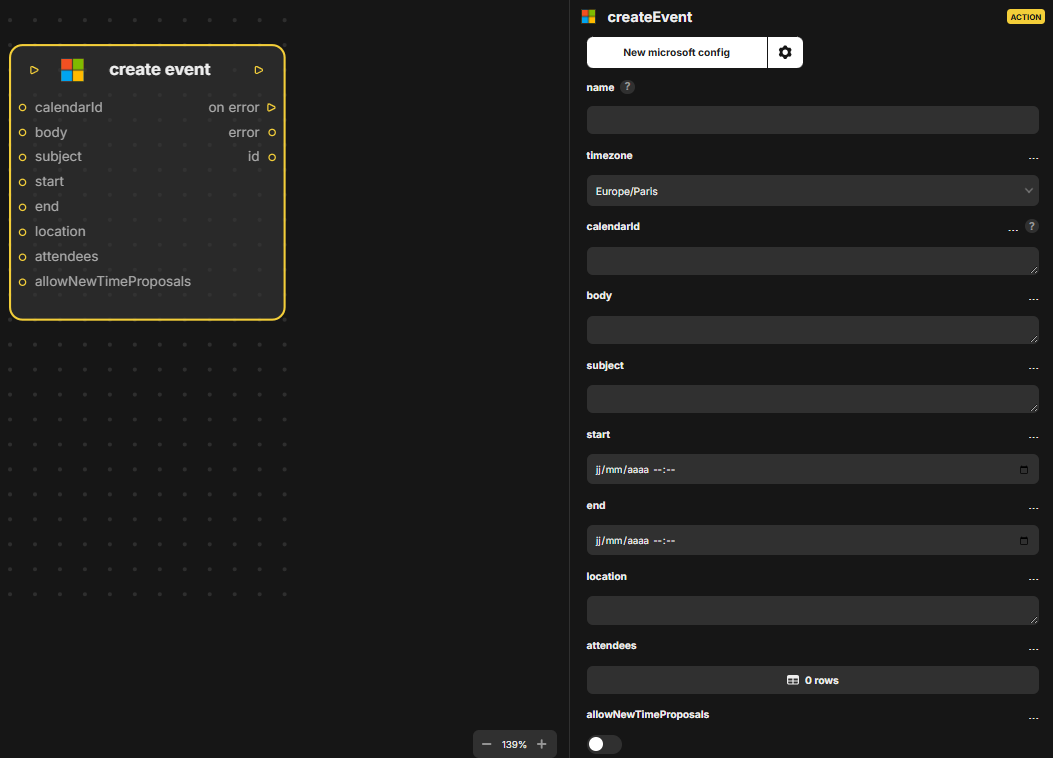
Creates a calendar event in Microsoft Outlook. Inputs: in, timezone, calendarId, body, subject, start, end, location, attendees, allowNewTimeProposals. Outputs: out, on error, error, id (the new event).
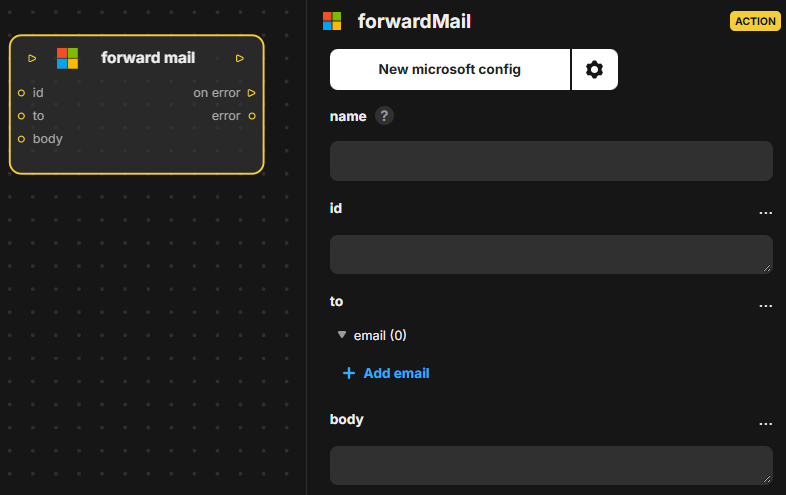
Forwards an email in Microsoft Outlook to other recipients. Inputs: in, id (the message), to, body (an added text). Outputs: out, on error, error.
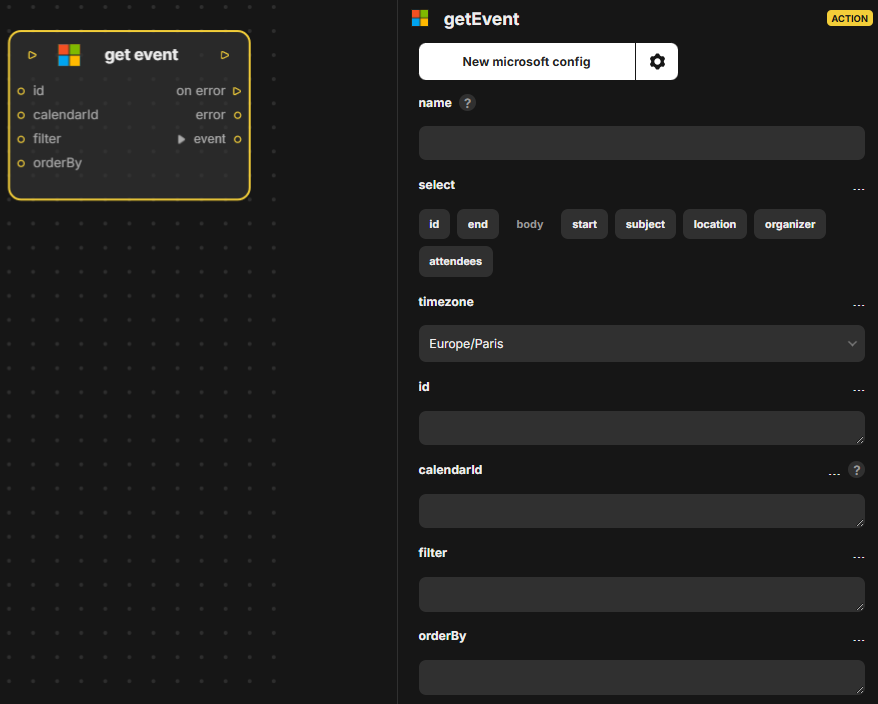
Gets a single calendar event from Microsoft Outlook. Inputs: in, select, timezone, id, calendarId, filter, orderBy. Outputs: out, on error, error, event (the event found).
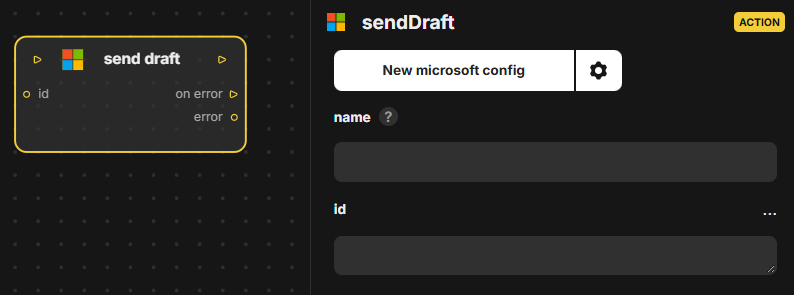
Sends an existing draft in Microsoft Outlook, identified by its id. Inputs: in, id (the draft to send). Outputs: out, on error, error (set if sending fails).
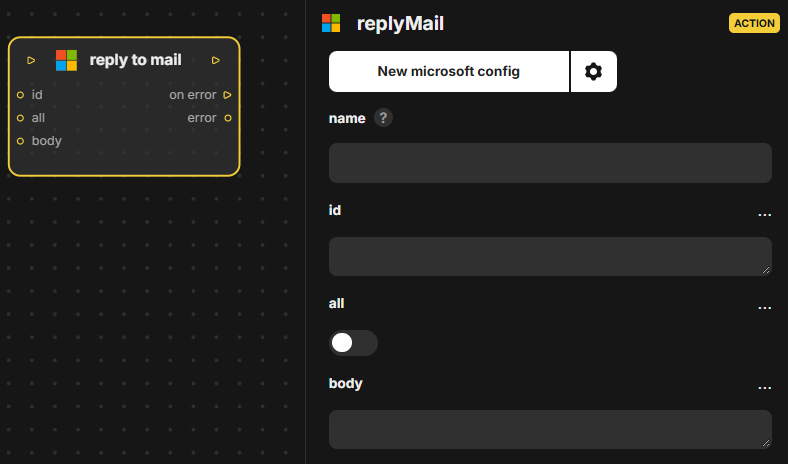
Replies to a mail in Microsoft Outlook. Inputs: in, id (the message), all (reply to everyone), body. Outputs: out, on error, error.
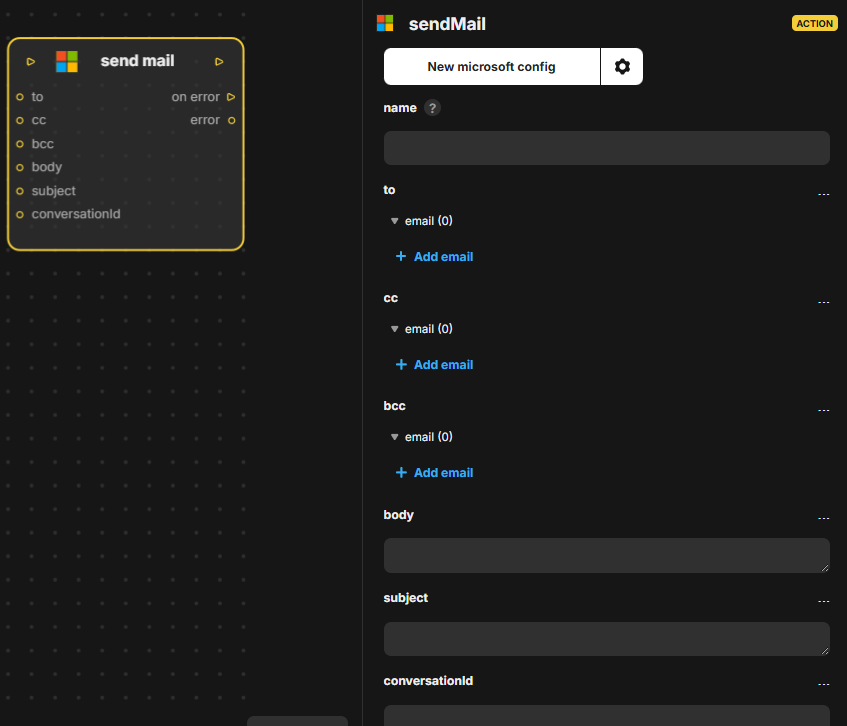
Send mail (Microsoft Outlook) sends an email from Outlook. Inputs: in, to, cc, bcc, body, subject, conversationId. Outputs: out, on error, error. The sheet only lists these parameters, with no further description of the block behavior.
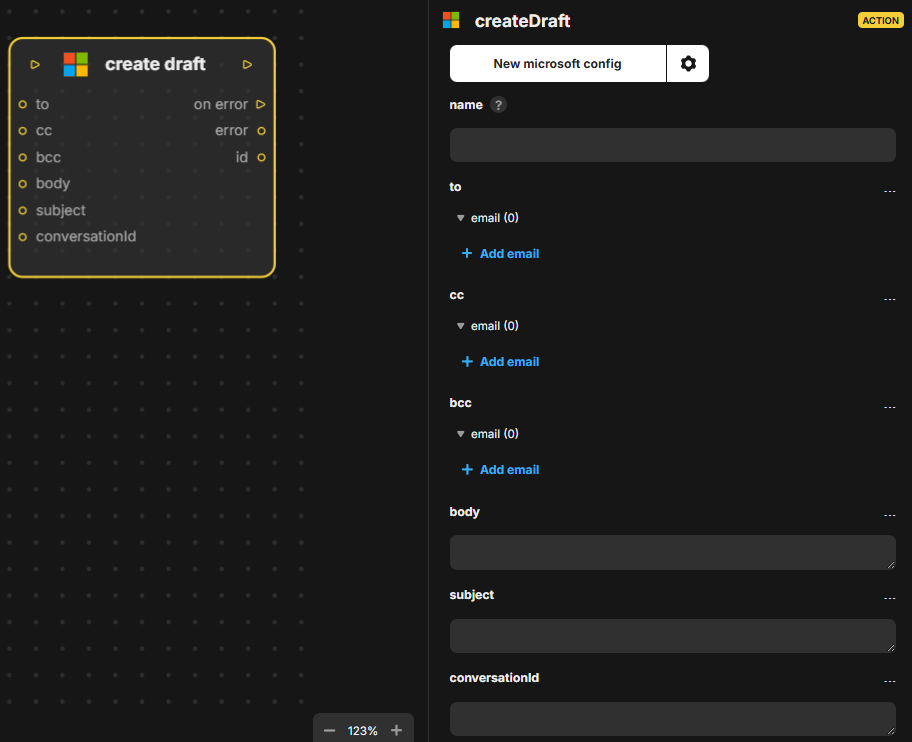
Create draft (Microsoft Outlook) creates an email draft in Outlook. Inputs: in, to, cc, bcc, body, subject, conversationId. Outputs: out, on error, error, id (the identifier of the created draft).
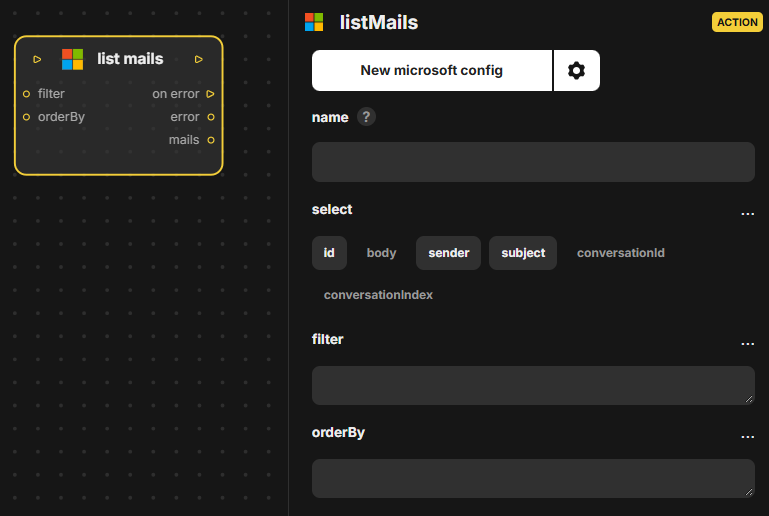
List mails (Microsoft Outlook) lists emails from Outlook. Inputs: in, select, filter, orderBy. Outputs: out, on error, error, mails. The select, filter and orderBy inputs control which fields and messages are returned and in what order.