Mail & other

9 articles

Email and other triggers.

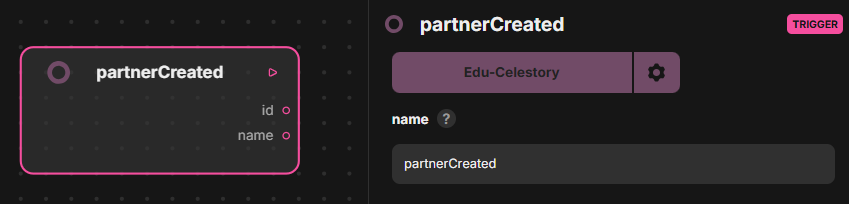
🟣Contact created (Odoo)

Trigger that starts the scenario when a contact is created in Odoo. It has no inputs. Outputs: out, id, name (the identifier and name of the new contact).

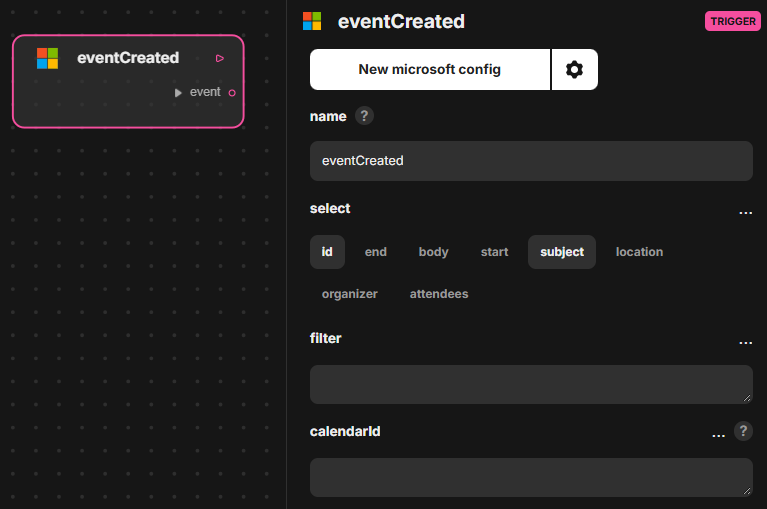
🟣Event created (Microsoft Outlook)

Trigger that fires when an event is created in Microsoft Outlook. Inputs: select, filter, calendarId. Outputs: out, event (the newly created event).

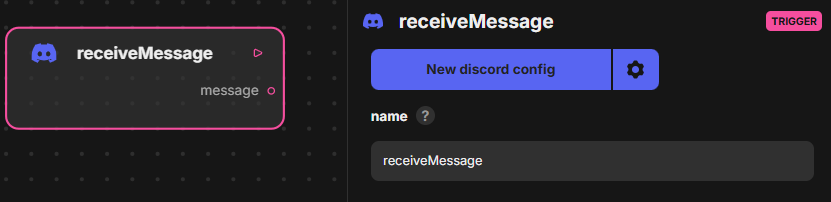
🟣 Receive message (Discord)

Trigger that fires when a message is received in a Discord channel. Inputs: server, channel. Outputs: out, message (the message received).

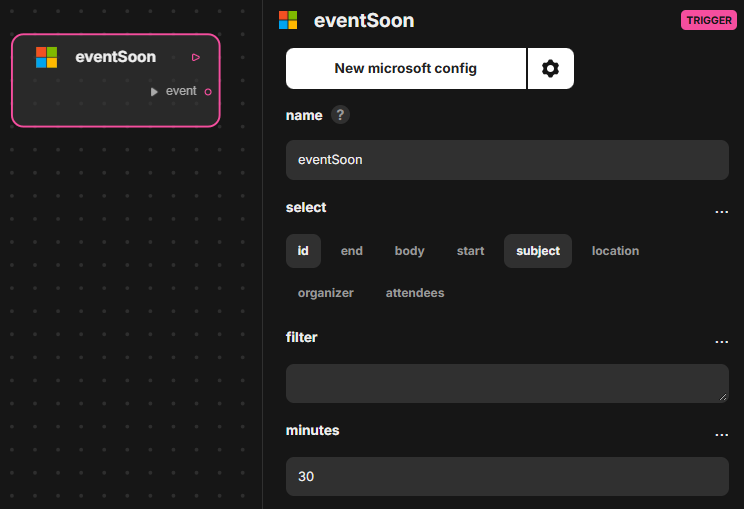
🟣Event starts soon (Microsoft Outlook)

Trigger that fires shortly before an event starts in Microsoft Outlook. Inputs: select, filter, minutes (how long before the start). Outputs: out, event (the upcoming event).

Receive email (IMAP)

Trigger that watches a mailbox through the IMAP standard and starts the scenario when a new email arrives. Handled by voltask-plugins-bun. Inputs: IMAP credentials and folder or attribute filters. Output: an email object (from, subject, text body, html).
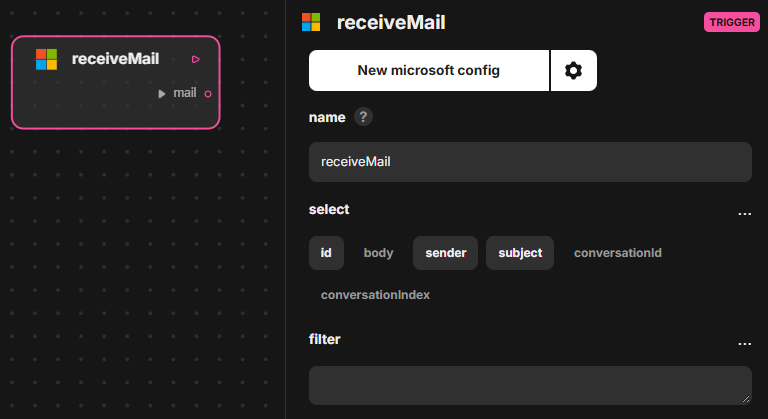
🟣Receive mail (Microsoft Outlook)

Trigger that fires when a mail is received in Microsoft Outlook. Inputs: select, filter (to narrow which mails start the scenario). Outputs: out, mail (the message received).

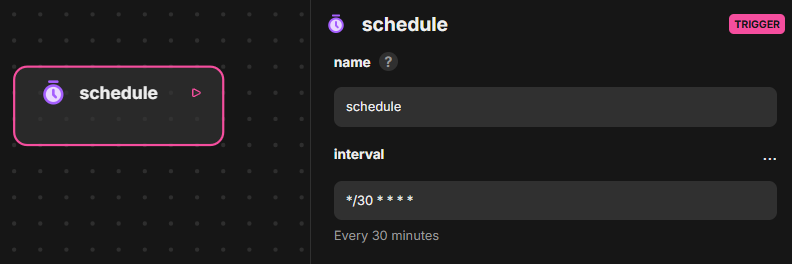
🟣 Schedule (Scheduler)

Schedule (Scheduler) is a trigger that starts a scenario at a scheduled interval. Input: interval, which sets the frequency. Output: out. The sheet gives no further detail on the interval format or on the Scheduler plugin.

Opportunity created (Odoo)

Opportunity created (Odoo) is a trigger that starts a Voltask workflow when a new opportunity is created in Odoo, via a webhook signal or polling. Input: the Odoo connection. Output: the opportunity details (prospect, quote, assignee and more).

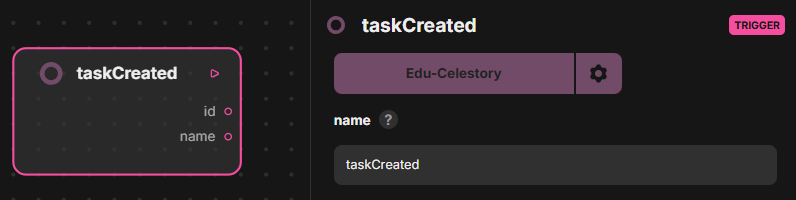
🟣Task created (Odoo)

Task created (Odoo) is a trigger that fires when a task is created in the Odoo To-do app. It has no inputs. Outputs: out, id, name, giving the identifier and the name of the new task to the following blocks.