
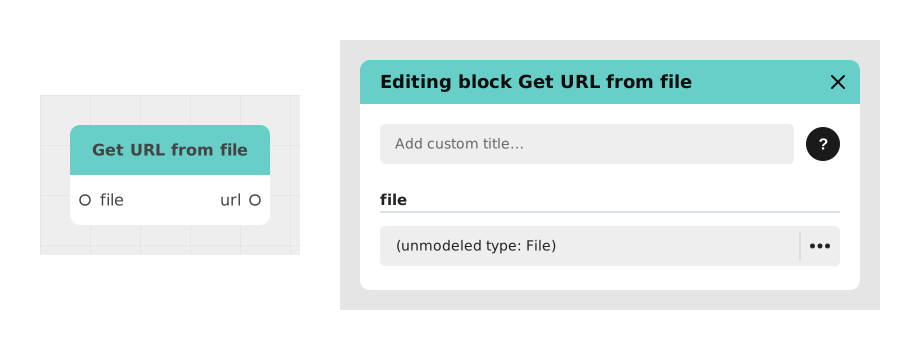
The Recover File URL block allows you to convert a "File" object managed by Celestory into a text URL that can be used for external interactions.
This block is essential for sharing documents to third-party services, embedding links in emails or APIs, or any operation requiring a textual reference to the file.
📥 Entries
- file (File Resource): The targeted documentary object managed by the Celestory system.
📤 Outings
- url (Text): The complete web address where the file is stored, in the form of a character string (eg: https://.../document.pdf).
💡 Example of use
Scenario: Integration of a contract into a CRM
- A user uploads a PDF contract to your Celestory app.
- You want to save this contract in your CRM (like HubSpot or Salesforce).
- You connect the file resource to the file input of this block.
- The block generates a text url pointing to the contract.
- You pass this URL to the CRM via an API to link the document to the customer profile.
⚙️ Technical Details
- Generated URLs may include temporary authentication tokens depending on the security configuration of the Celestory environment.
- This block does not modify the original file, it just extracts the web location.
Documented version: v1