
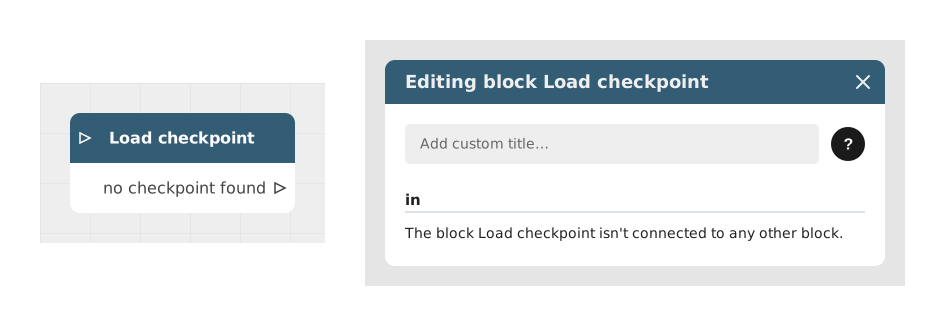
The Load Backup block allows you to restore the user's progress from a previously saved backup.
This mechanism is essential for interactive applications, games or long-running experiences, allowing the user to resume where they left off without losing their data.
📥 Entries
- No configurable input: This block automatically takes the current flow and searches for the last valid backup of the current user. If multiple save locations exist, the default position is used.
📤 Outings
- no checkpoint found (Stream): This output only fires if no valid save exists for the user. If a save does exist, there is nothing to connect: Celestory automatically resumes the story exactly where the user left it (variables, position in the graphs), without going through any output of this block.
💡 Example of use
Scenario: Resumption of e-learning training
- The user opens the training application and arrives at a home screen.
- A "Resume my training" button is displayed (via a Show Button block).
- When the user clicks this button, the flow is directed to the Load checkpoint block.
- If a save exists, the user is automatically placed back exactly where they stopped (same lesson, same quiz answers, same grades): there is nothing else to do.
- If no save exists (first-time visitor), the "no checkpoint found" output fires: connect it to the training's introduction screen, for example.
⚙️ Technical Details
- Persistence management: Celestory automatically manages the save location (Local Storage of the browser or Cloud if a user account is connected).
- Behavior in the event of no backup: If no save exists, the flow takes the "no checkpoint found" output; it is the only output this block offers.
Documented version: v1