Variables, lists and data sources for your projects.
Shows how to connect Celestory to Integromat: create an Integromat block, fill its message, activate the integration in the Project menu Integration tab, then set up the trigger. Exclusive to Pro and Business plans; export the project first.
Shows how to connect Celestory to Zapier: create a Zapier block, wire its message, activate the integration in the Project menu Integration tab, then pick Celestory in your Zapier account. Pro and Business plans only; export the project first.
Guide to creating your database with Baserow: spreadsheet versus database, the core vocabulary (Workspace, Database, Table, Row, Field) and why to choose Baserow over Airtable to store data used by Celestory.
Explains how to import data from a Google Sheet into a Celestory app, with cell values updated in real time through a Launch JS block and a ready-to-copy script using an API key, spreadsheet id, cell and sheet, to feed Menus pages.
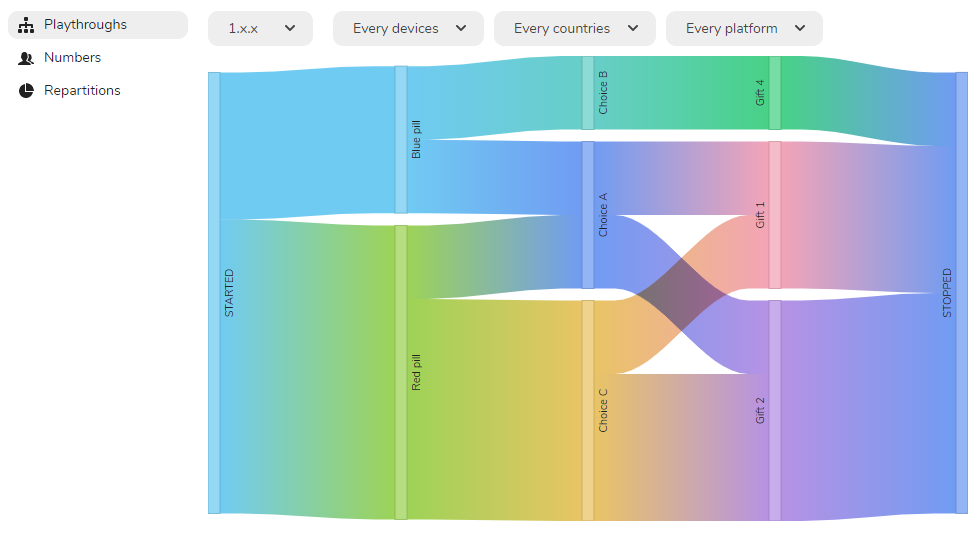
Explains how to analyze user paths with the Sankey diagram in the Analytics tab, available with the Business subscription, to visualize attrition, playtime and the geographical origin of players.
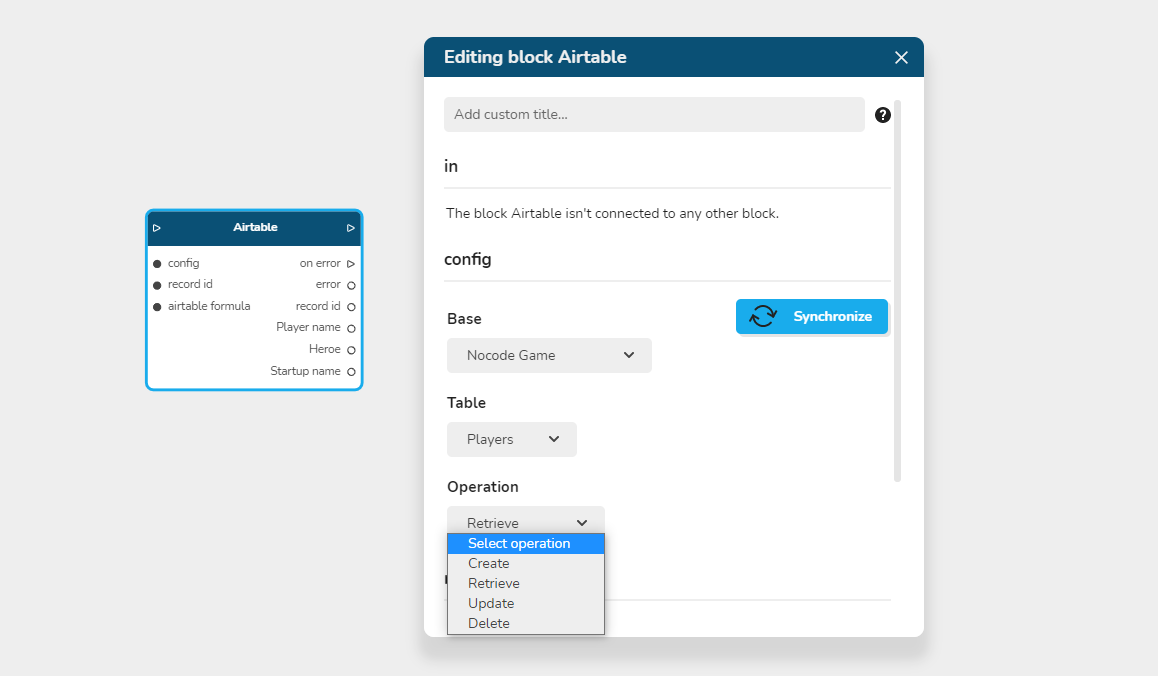
Explains the Airtable block, which exchanges with your Airtable database: enable integrations in Main Menu, paste the API key, choose database and table, then use the 4 operations Create, Retrieve, Update and Delete.
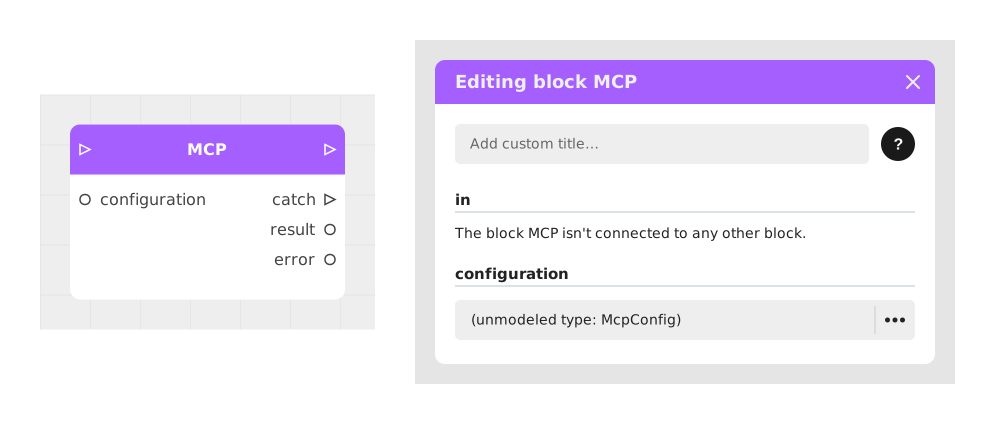
Explains the MCP block, which lets stories call the tools of any MCP (Model Context Protocol) server from a single URL, discovering the tools with typed arguments. Baserow, Airtable, Zapier and Make already have simpler dedicated blocks.
Explains how to measure audience behavior with Analytics, a Business feature: place Analytics trigger blocks in the graph, then read Playthroughs (Sankey diagram), Numbers (audience size, time spent) and Repartitions (origins).
Explains how to connect a graph to an Airtable database by creating a Token. When selecting scopes, choose at least data.records:read, data.records:write, schema.bases:read and schema.basics:write, and keep the token in a separate file.
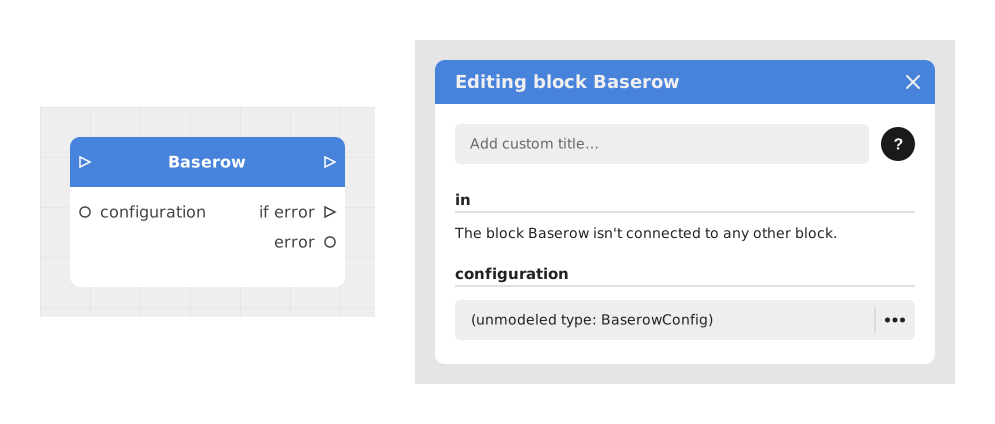
Explains the Baserow block, which connects a Celestory project to a Baserow database (a free, open-source alternative to Airtable) to create, read, modify or delete rows in a table, or upload a file to one.