Create menus, pages and reusable modules.
Describes the module settings: General (rename or remove), Design (UI of the game) and Frame options such as maximum width, background image, background color, position and size to fit any media and resolution.
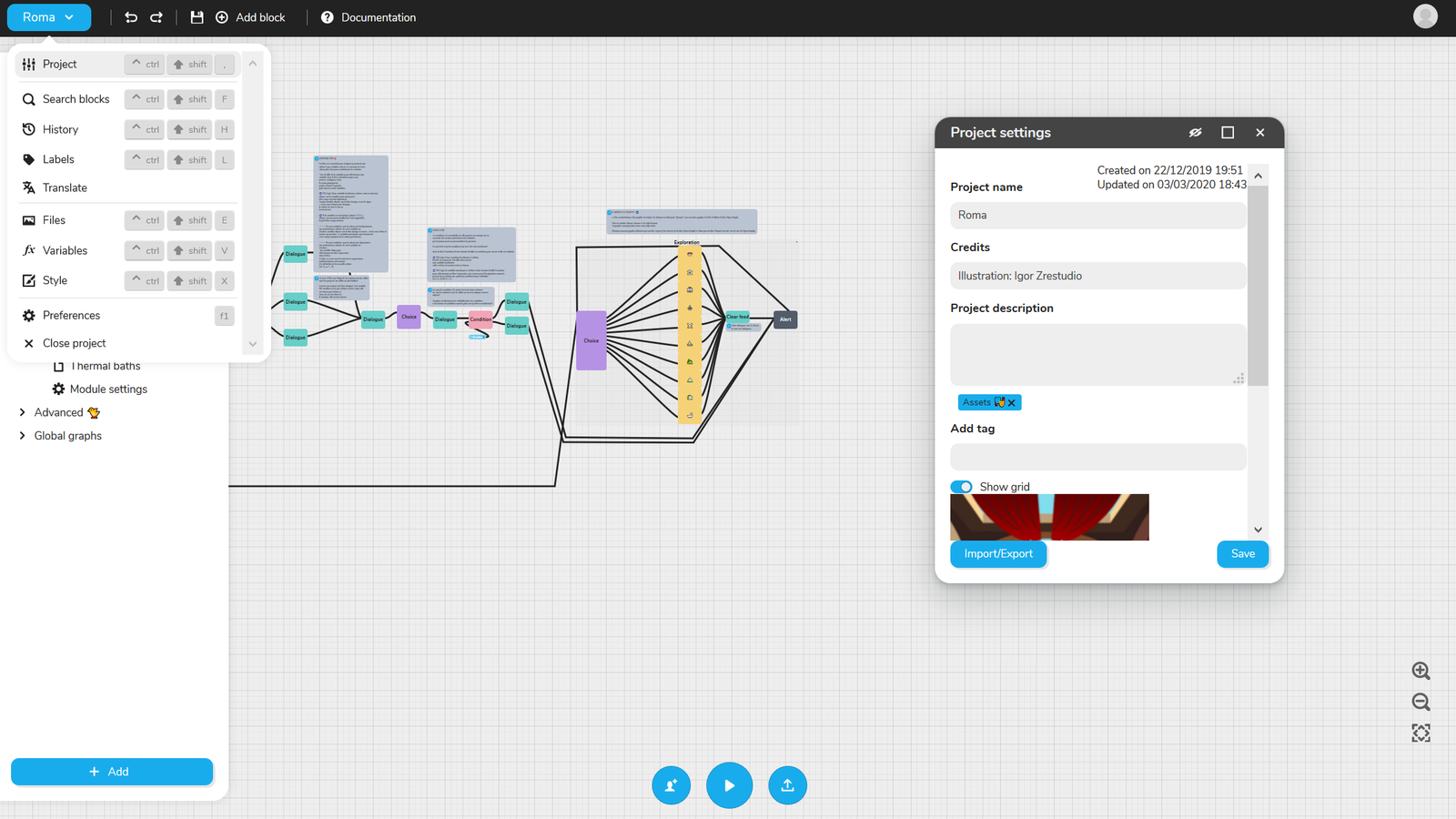
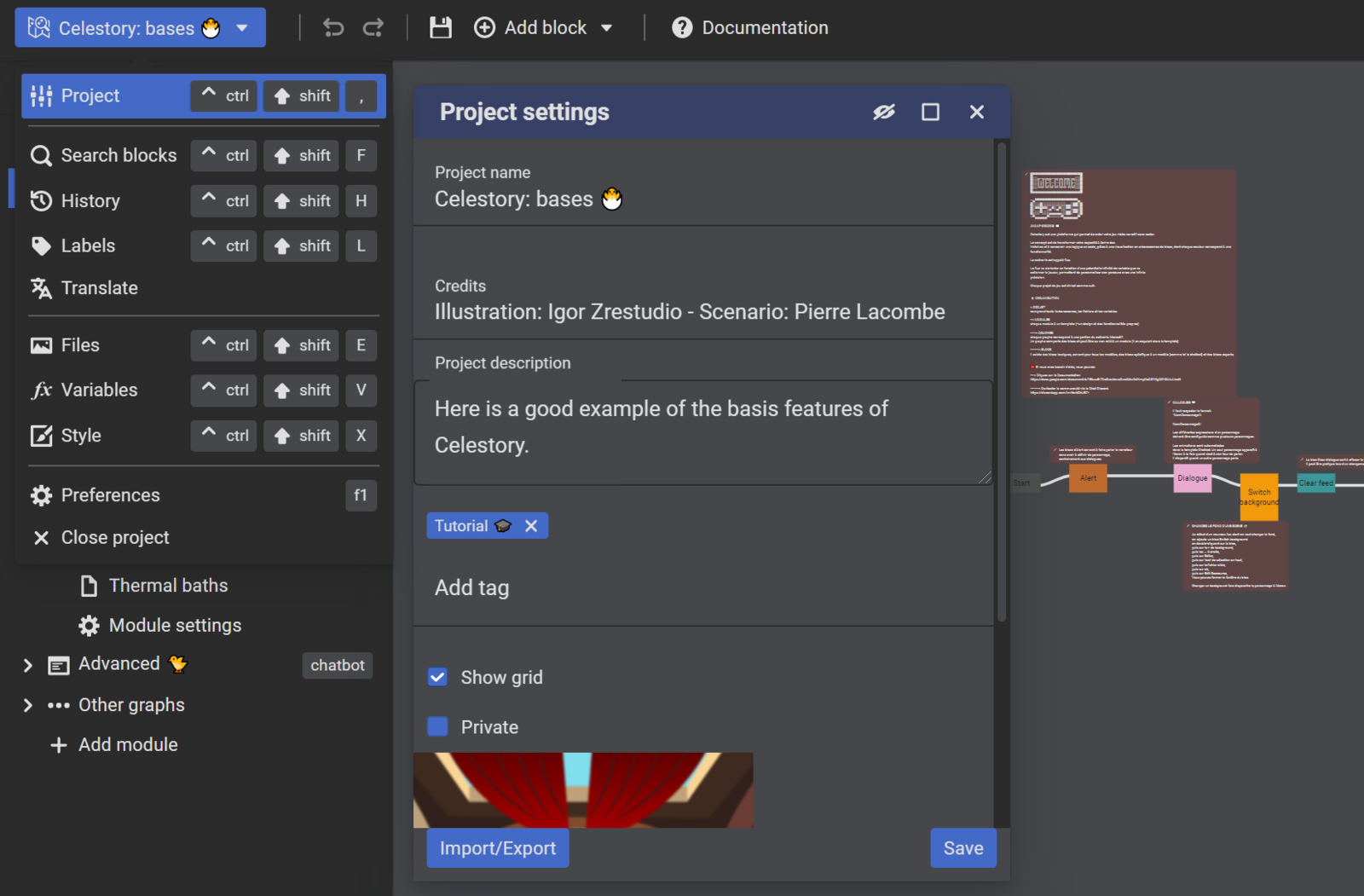
Describes the Main menu (blue button): Project (name, credits, description, tag, magnetic grid, Import/Export), Search blocks, History (lost on refresh), Labels to mark blocks, and the other entries of the menu.
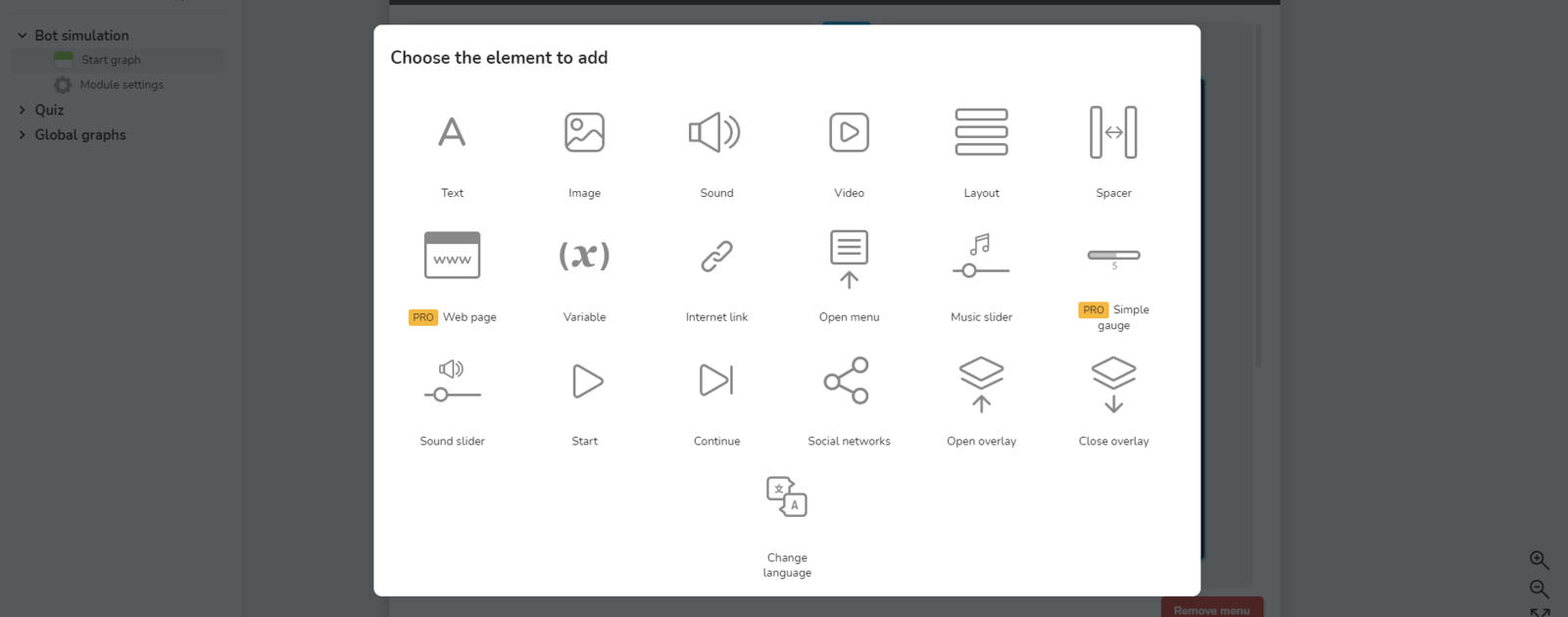
Overview of the Menus editor: a menu is a screen inside your finished app, of four types (HUD, Home, Page, Overlay). Opened from the blue button, Menus, or Cmd/Ctrl+Shift+U; presents its structure and element families.
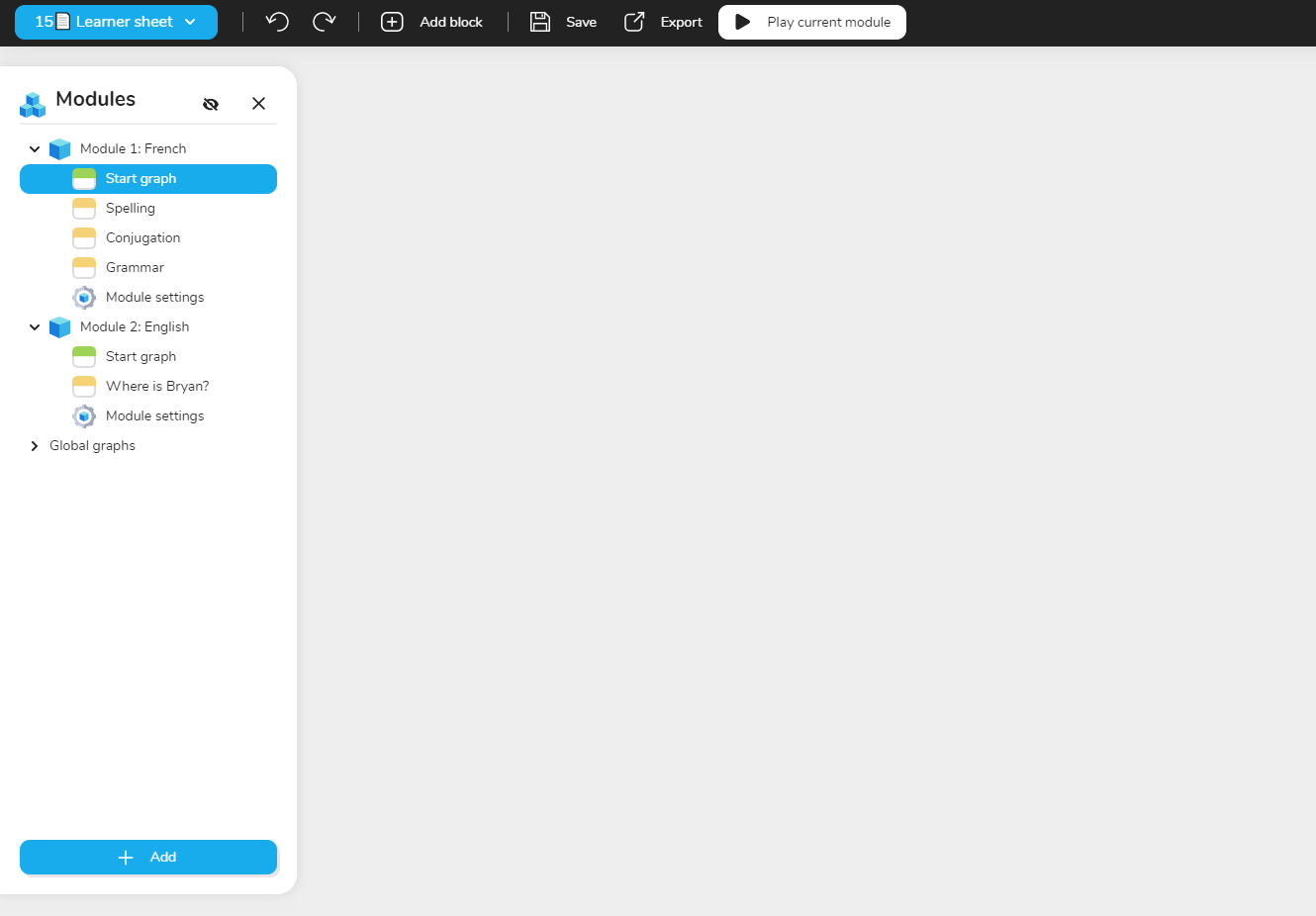
Describes the modules side menu, located just left of the graph, collapsible and transparent. Modules are the chapters of a project and share its variables, design settings (dialogue box, font, bubble types) and characters; Module settings sit below each graph.
Explains how to personalize a text or score by formatting it with variables in a graph, recalling the Boolean, Number and Text types. Shows how to create advanced Text variables, starting from the examples page or a new project.
Explains how to build menus and pages: open Menus from the Main Menu (blue button with the project title), click Add your first menu, and fill the menu, a fixed screen of the application, with many elements.