Working together on the same project.
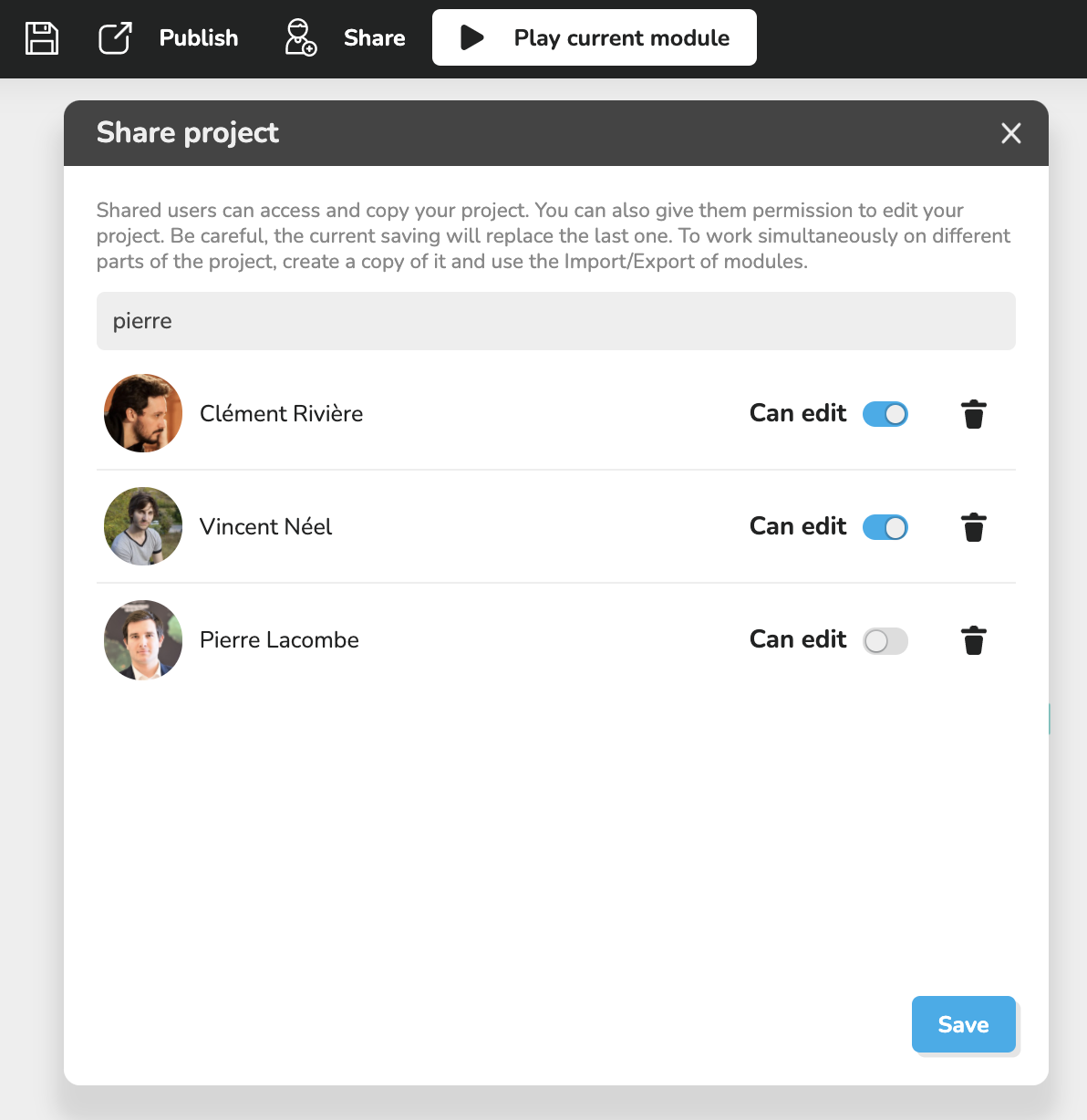
Explains how to share a project with other Celestory users from the Share button in the top sidebar of the creator. Sharing requires a Business plan; you find users by typing at least 3 letters of their name, and there is no email invitation to accept.
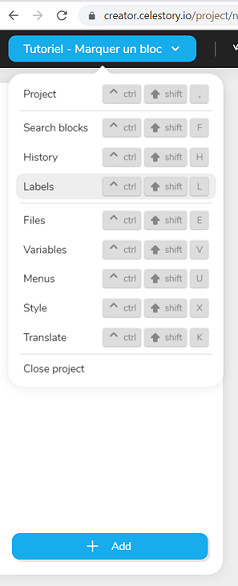
Teaches the colour-code system of labels to get a quick overview of a project. First create a label from the main menu Labels option with the add button, naming it and choosing a colour; then apply it to your blocks.
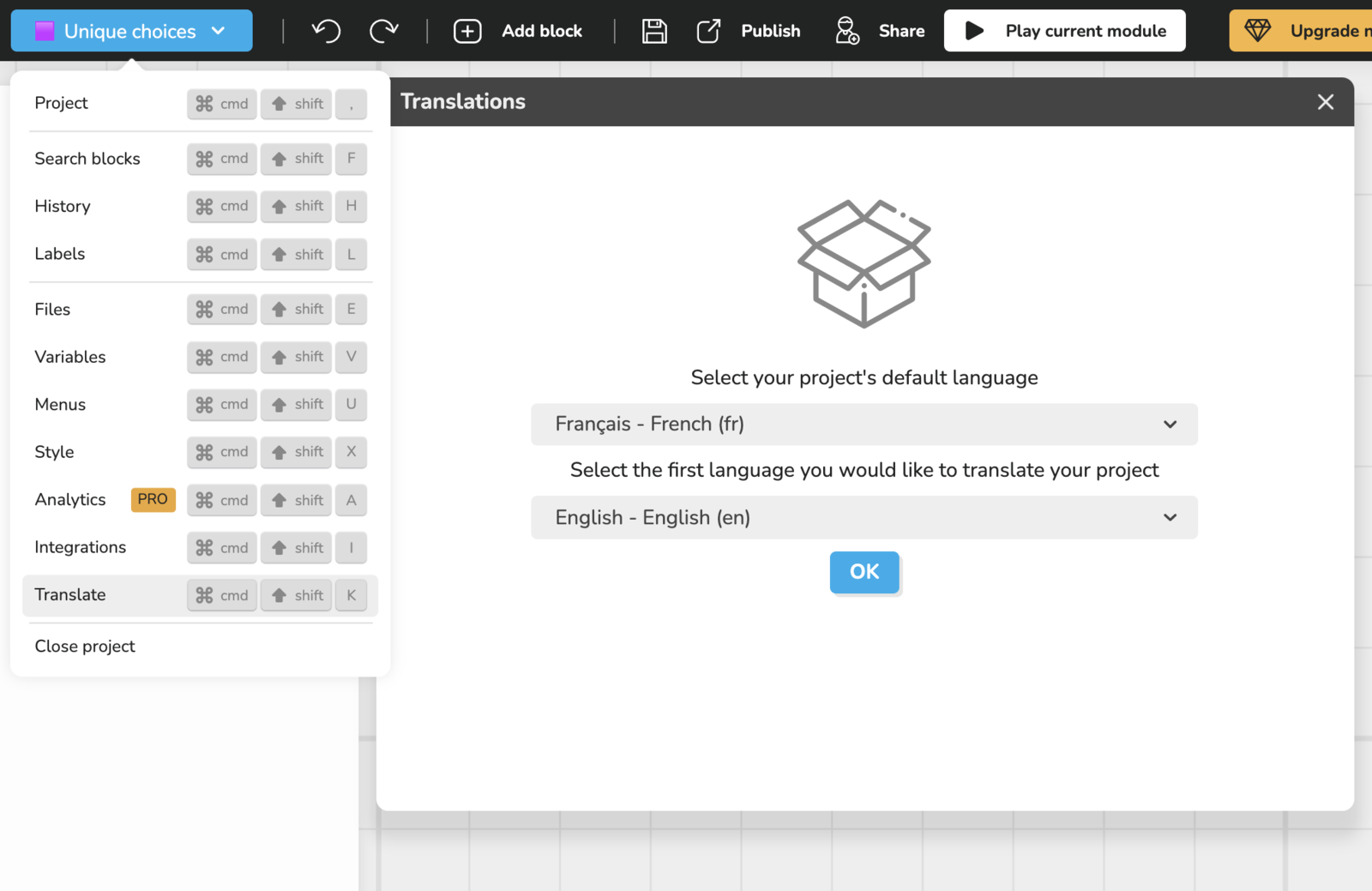
Explains the steps to translate a whole app: open the Blue Menu with the project name, click Translate, enter the original and translation languages, then follow the window showing the percentage translated. A link to Poedit is provided.