Store, compute and compare values, including dates.
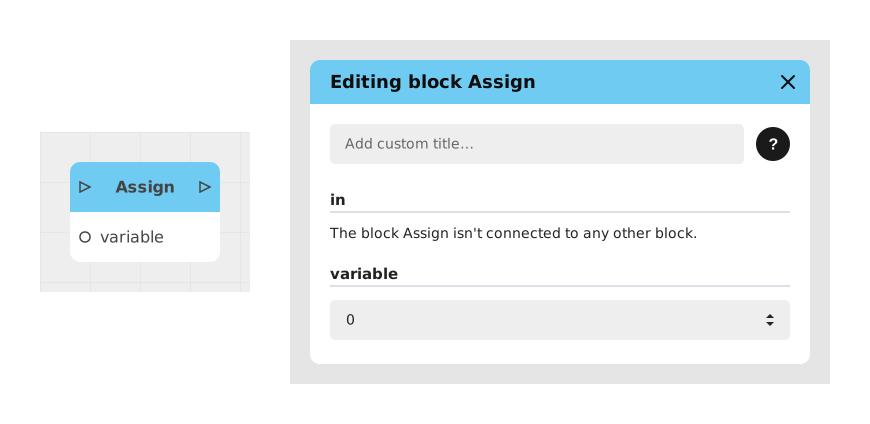
Explains the Assign block, which sets the value of a variable during an experience, fully replacing the previous value. Unlike Increment, it overwrites rather than modifies, for a score, a counter or any stored data.
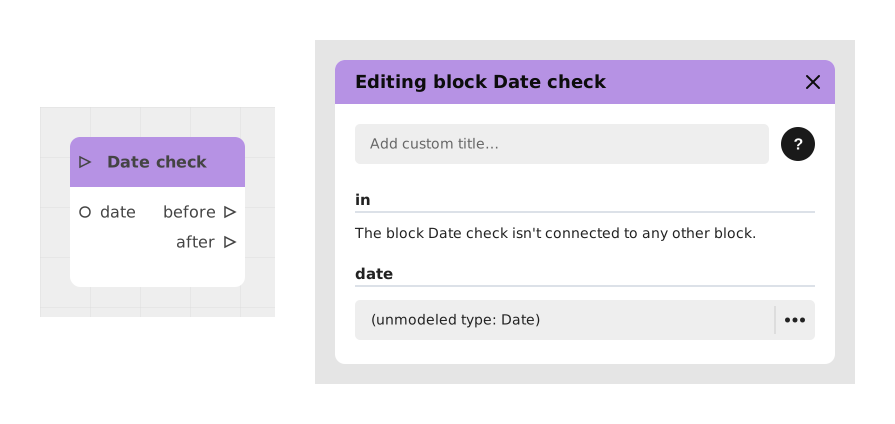
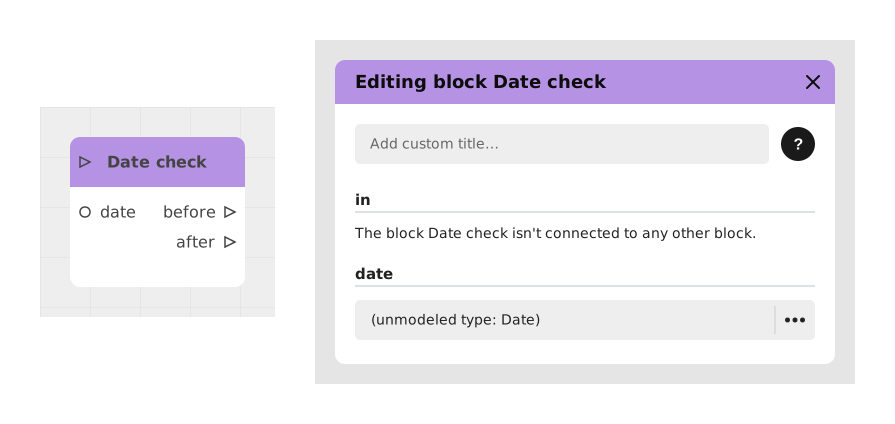
Explains the Date check block, which compares the current date and time of the player's device to a reference date you choose, to know if we are before or after it. Useful for time-limited promotions, seasonal events or deadlines.
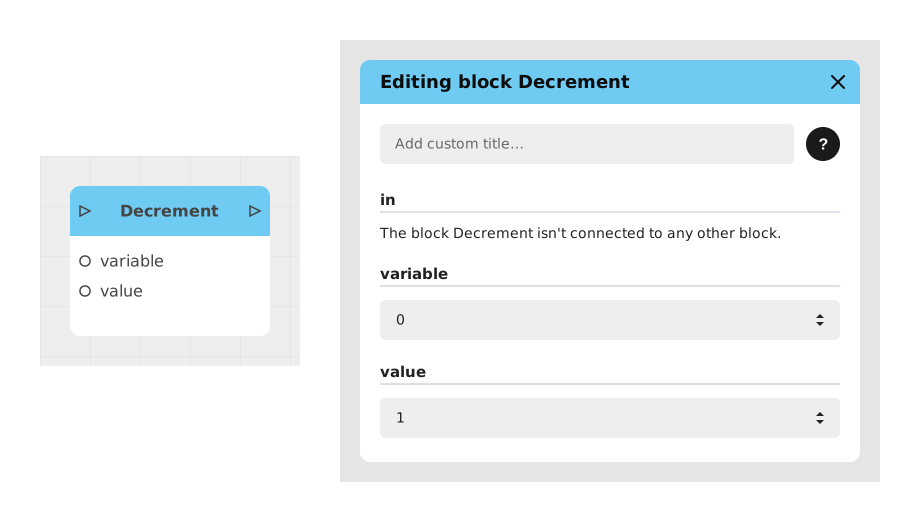
Explains the Decrement block, which subtracts a value from a Number variable (variable = variable - value). A shortcut for removing life points, lowering a counter or adjusting a balance without manual calculation.
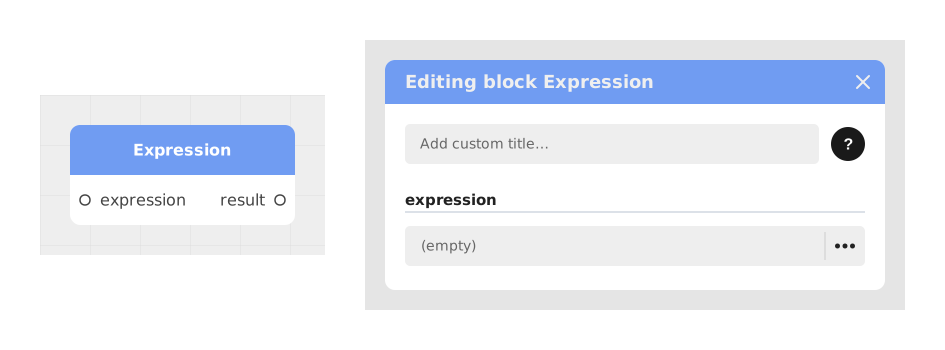
Explains the Expression block, which performs mathematical calculations or logical evaluations from a custom formula, like an advanced calculator or validator. Variables not defined in the project automatically create dynamic input connectors.
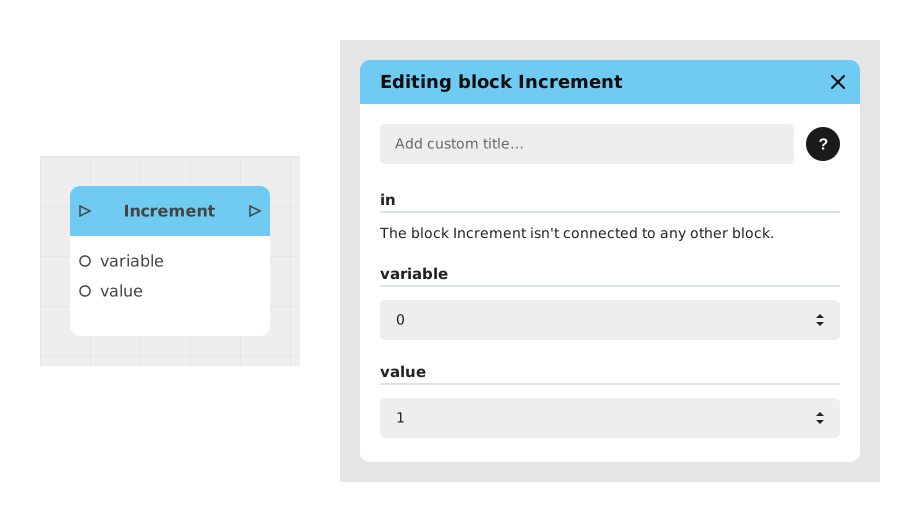
Explains the Increment block, which increases a numeric variable by a defined amount. Useful for scores, counters or resources in games and simulations; it works as the opposite of the Decrement block.
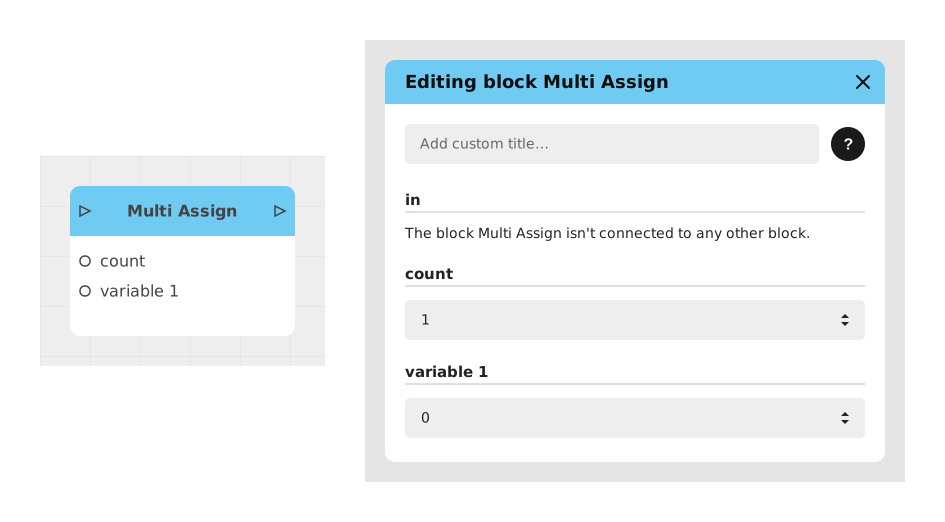
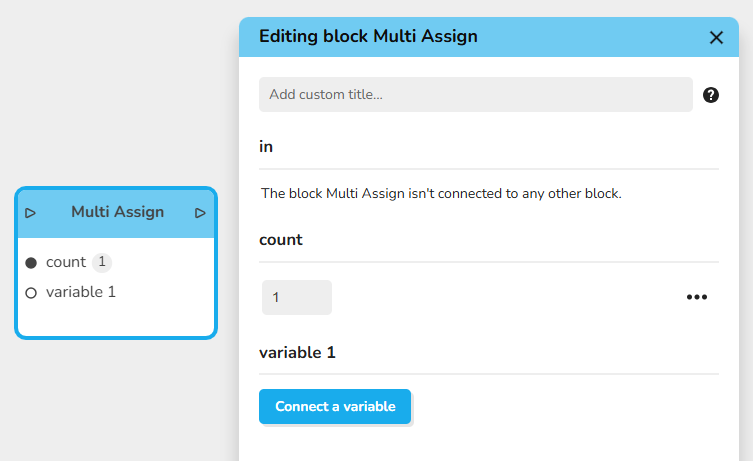
Explains the Multi Assign block, which modifies several variables at once in a single block, avoiding repeated Assign blocks. Ideal for resetting counters or updating several user data; the count input sets how many variables.
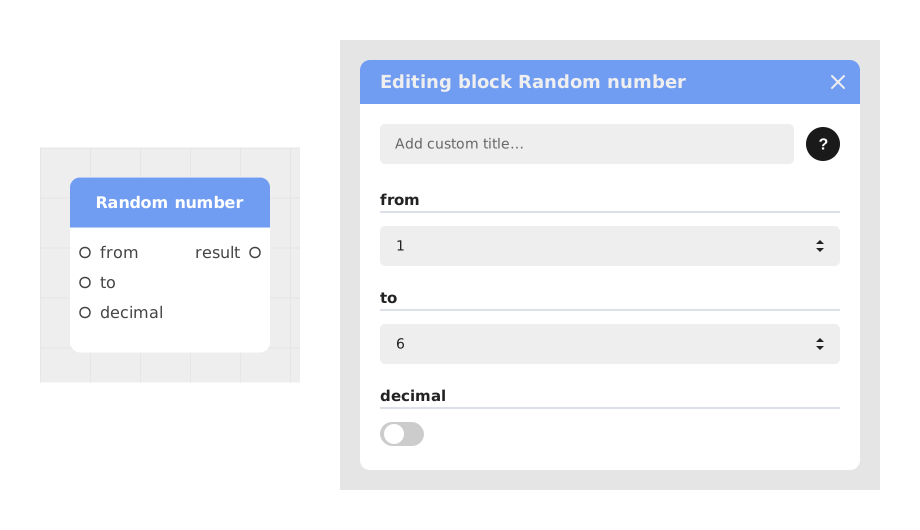
Explains the Random number block, which generates a random numeric value between two limits, from and to, as integers or decimals. Useful for game mechanics, simulations or dynamic decisions.
Explains the Today's date block, which retrieves the current date when the player passes through it, to timestamp an event, limit access over time or show the date. Both outputs are texts; the Now block is for a real Date variable.
Presents the Variable block, which places a declared project variable in the graph to read its value or designate which variable another block modifies. It has no flow point and a single output typed like the variable.
Describes the Multiple assign block, which assigns several values to several variables at once, saving time. The variables can be of different types, for example numeric or textual, instead of using one Assign block per variable.