
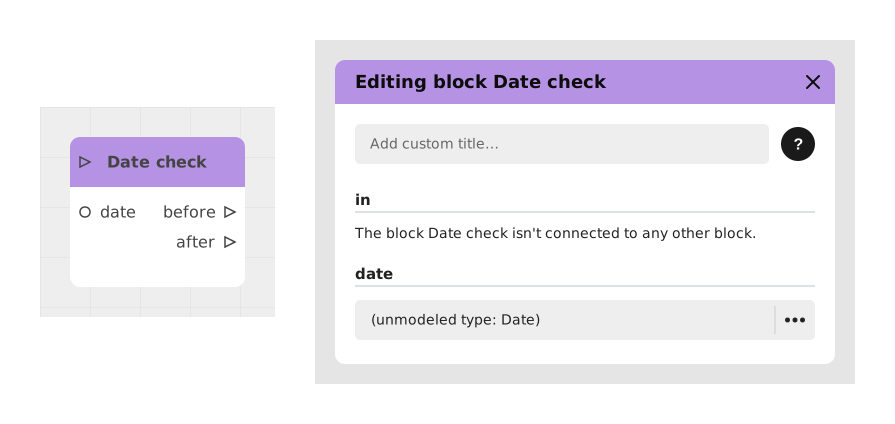
The Today's date block allows you to retrieve the current date at the precise moment when the player passes through this block. It is particularly useful for timestamping an event, limiting access to a feature over time, or displaying the date to the player.
Its two outputs are texts. To get a real date that you can store in a Date variable, compare, add to or format, use the Now block instead, introduced with the Date variable.
📥 Inputs
- This block does not require any specific input: it directly takes the date and time of the system at the time of its execution.
📤 Outputs
- date (Text): returns the date in a simple "Year-Month-Day" format, with no leading zero on the month or the day (for example: 2024-11-21, or 2024-3-7 for March 7).
- dateWithTime (Text): returns the complete date including the exact time and time zone in "ISO 8601" format (for example: 2024-11-21T15:30:00.000Z). This format is ideal for exchanges with APIs or databases.
💡 Example of use
Scenario: Saving a player's last connection date
- The player connects to their personal space in the game.
- The flow passes through the Today's date block to retrieve the current date and time.
- The dateWithTime output is connected to an Assign block to store this value in a Text variable lastConnection.
- The Assign block saves the date in ISO format in the variable.
- To show the date in a message in a readable form ("November 21, 2024"), use a Now block connected to a Format a date block instead.
⚙️ Technical Details
- Time zone management: the ISO 8601 format (dateWithTime) automatically includes the UTC time zone (indicated by the final Z).
- date output: the year is the one of the calendar of the player's device, whereas the month and the day are those of the UTC calendar. Around midnight, or at New Year, the day shown can therefore be one day off from the date the player sees at home. For a date in the player's time zone (or in UTC, your choice), use Now with Format a date.
- Refresh: the date and time are captured at the exact moment the block is executed, without further updating.
🔗 See also
- Now: gives the present instant as a real date, usable with Date variables and the other date blocks.
- Format a date: writes a date in the player's language, in the format of your choice.
Documented version: v2