How can we help?

Search for the articles here or browse the categories below.

Browse by topic

Find guides, tutorials, and answers organised by category.

Popular articles

What other people are reading right now.
Services & code

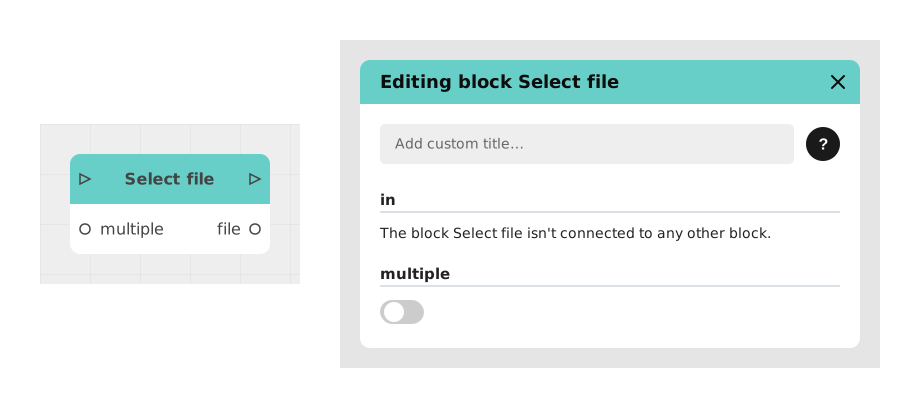
⬜ Select file

Explains the Select file block, which opens the device's file picker so the user imports one or more files into the Celestory graph, for resumes, attachments, backups or media. A multiple Boolean input (off by default) allows several files.

Services & code

🟪 Voltask Webhook

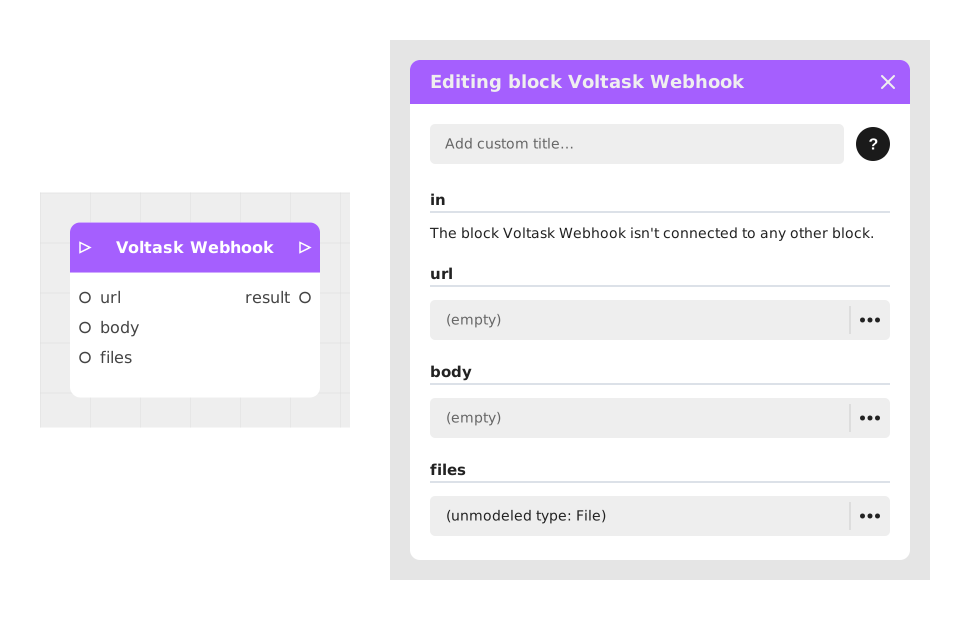
Explains the Voltask Webhook block, which sends an HTTP request from Celestory to Voltask to trigger back-end actions, without a generic HTTP Request block. Useful to automate workflows in the background; the url is its first input.

Designing a path

📅 Schedule a meeting

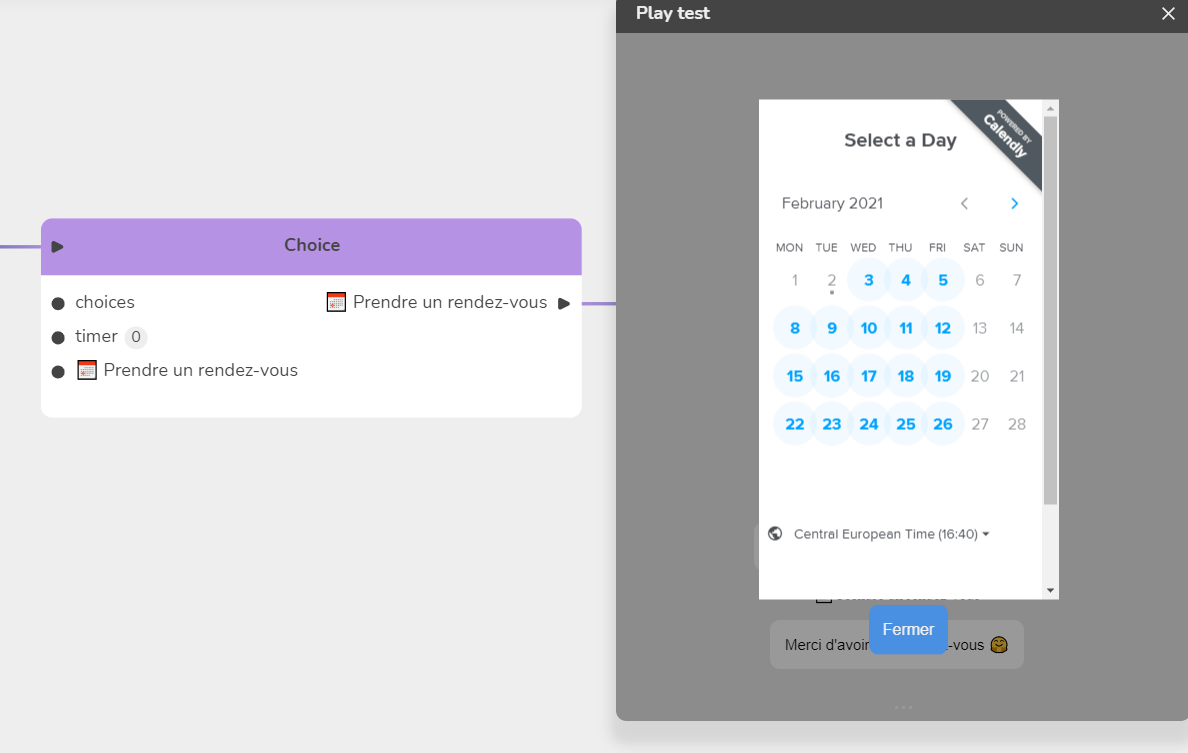
Shows how to book an appointment, for example with a Calendly reservation, using an overlay menu created in Module Settings/Menus that pauses the experience. It contains a Web page item that embeds the booking page, then a Close overlay item.

Menus & modules

Overview: the Menus editor

Overview of the Menus editor: a menu is a screen inside your finished app, of four types (HUD, Home, Page, Overlay). Opened from the blue button, Menus, or Cmd/Ctrl+Shift+U; presents its structure and element families.

Menus & modules

🗄 Side menu (Modules)

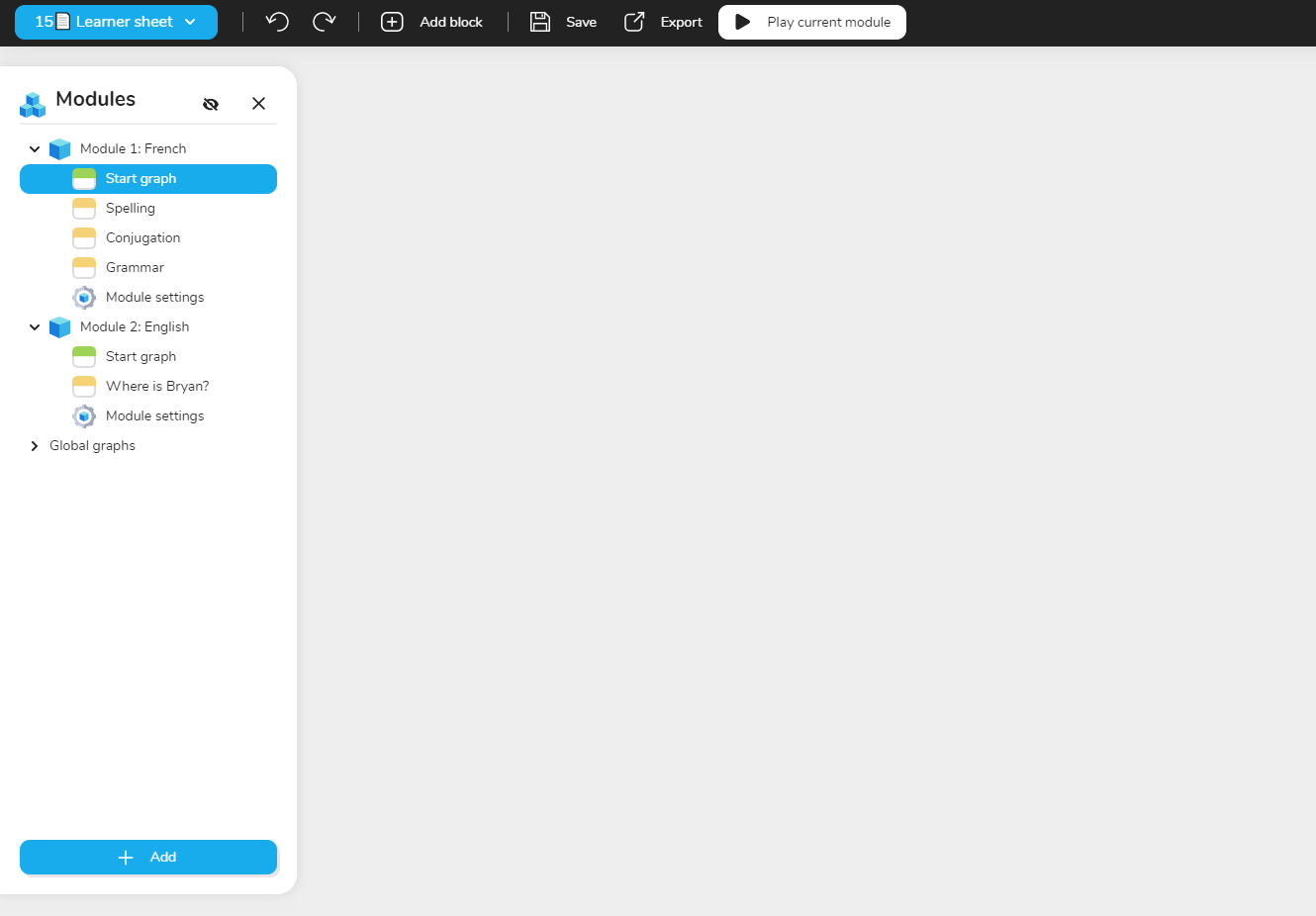
Describes the modules side menu, located just left of the graph, collapsible and transparent. Modules are the chapters of a project and share its variables, design settings (dialogue box, font, bubble types) and characters; Module settings sit below each graph.

Media & code

▶️ Embed Youtube

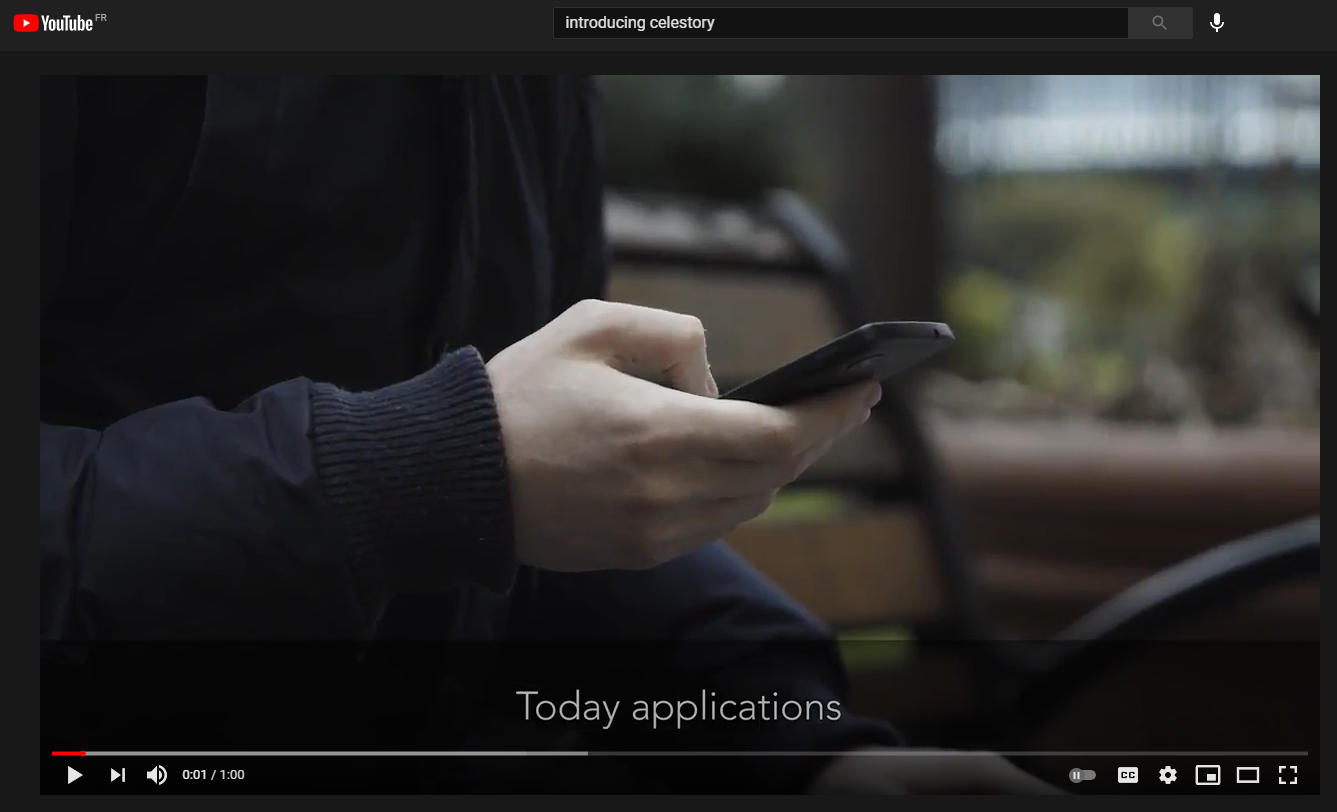
Explains how to embed a video hosted on a streaming service such as Youtube: click Share under the video, then Embed, and copy only the embeddable address found in the iframe code, then use it in Celestory.